
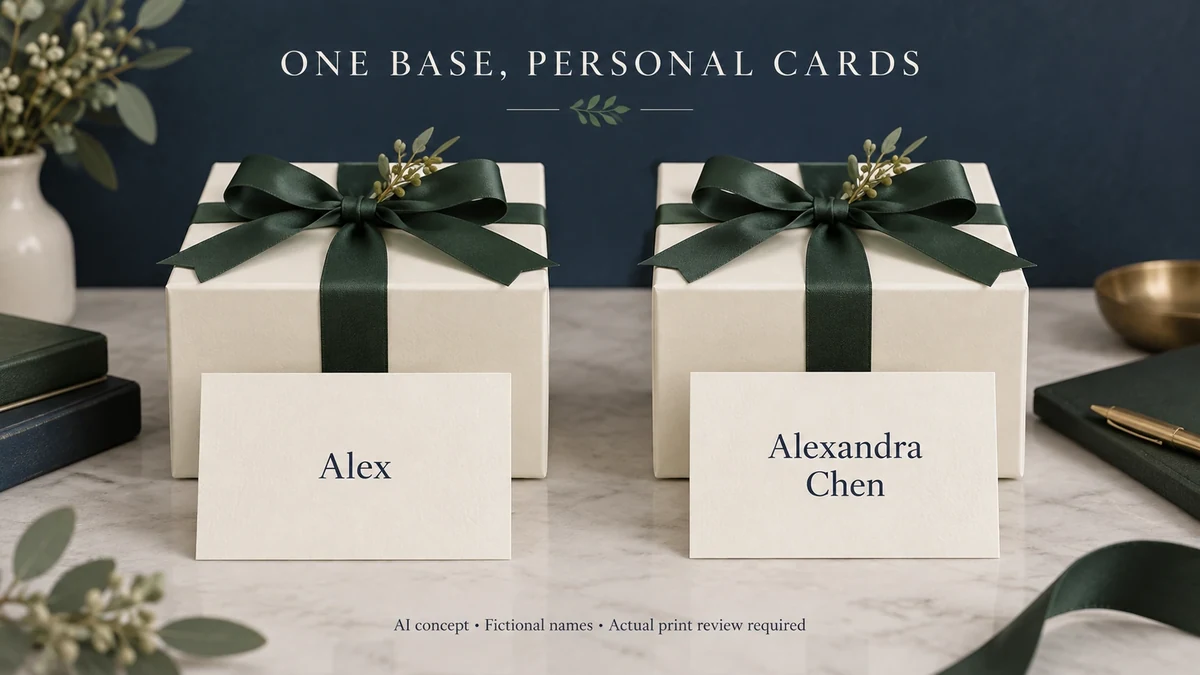
AI-assisted concept cover. Open the cover at full size.
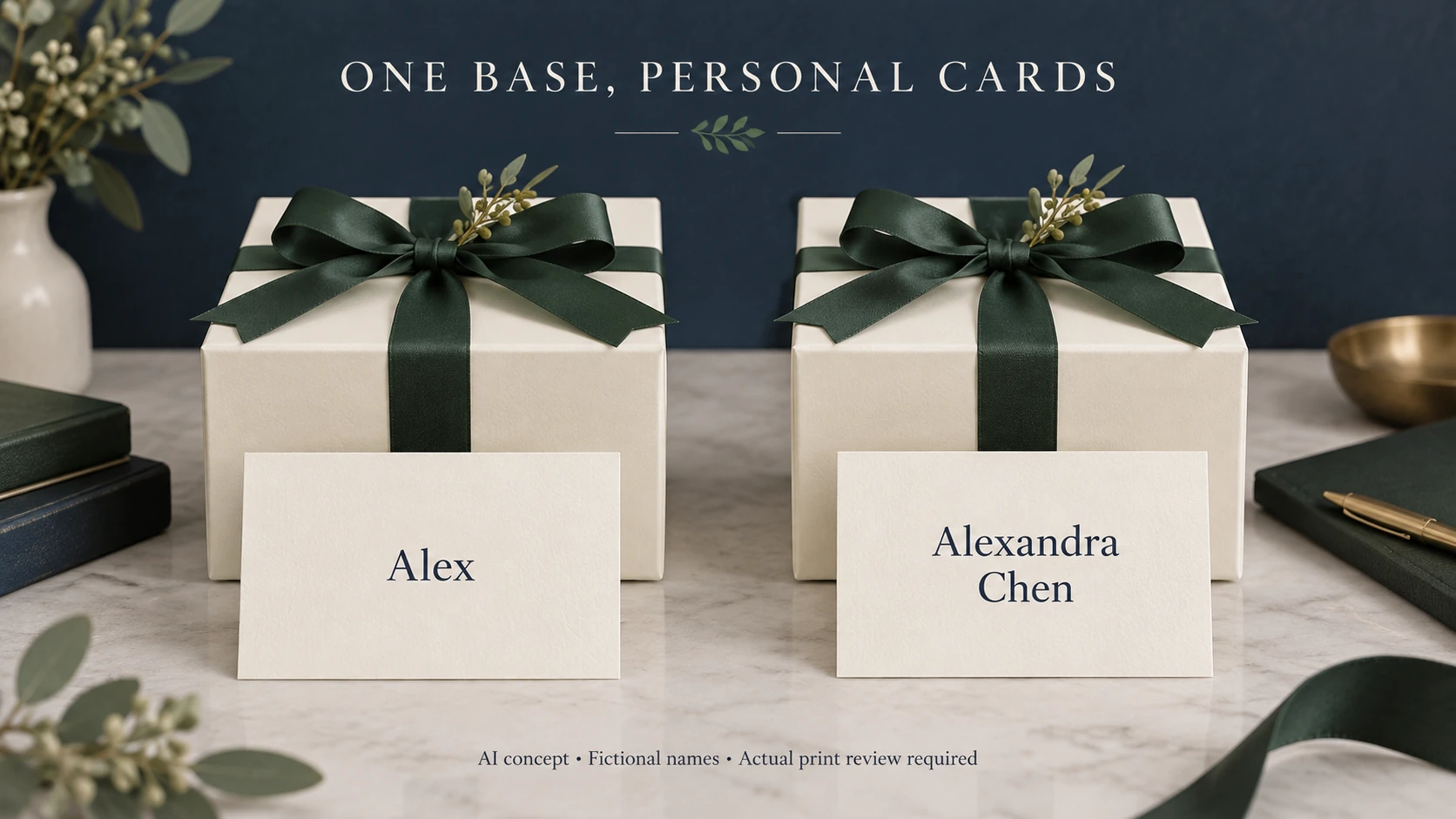
To personalize a gift box without changing its main design, put the recipient’s name or message on a separate component. A card, tag, label or sleeve can carry the changing information while the base box retains the brand’s regular identity. Choose the component according to when the message should appear and how much text it needs to hold.
This article focuses on individual recipient names and personal messages. An occasion-level sleeve changes a shared holiday or event design across many gifts; recipient-level personalization changes the information from one gift to the next. Gift fulfillment covers how the complete order is packed and delivered. Here, the main decision is where each person’s information belongs, with a limited matching step to keep it with the correct gift.
Separating the personal component is particularly useful when the box must be planned before every recipient or message is known. The method still needs to suit the selected supplier, materials and packing process.
Decide what personal means for this gift
A printed name, a message from the giver and a one-off illustration create different experiences. A name helps someone recognize that a gift is intended for them. A private note explains why they are receiving it. A customized illustration changes the visual character of the presentation and may require more design work for each version.
Choose one principal personalization element. Putting the same name on the lid, ribbon, card and inner panel can make a modest gift feel visually crowded. A single well-placed name or thoughtful message may be enough to distinguish the gift while keeping the brand presentation coherent.
Tiffany’s online gift-wrapping information illustrates this separation. It describes its signature box and ribbon alongside an optional gift message enclosed in a white envelope. The personal content sits on a separate item within an established packaging presentation. Tiffany, Gift-wrapping FAQ
Choose the moment of discovery
A name on an exterior tag is visible during the handover. It suits an event where several similar gifts must reach different people. A message under the lid belongs to a more private opening moment. A card on top of the products can introduce the gift before the contents appear.
If the base box is intended for later use, a loose card or removable sleeve allows the personal message to be kept separately. A label may be the right choice when the name should stay attached, but do not assume it will peel away cleanly. Placement should follow the intended experience, including what the recipient may want to keep.
The box opening also matters. A small card can sit naturally beneath a lift-off lid, while a drawer may need a deliberate place for it above or beside the product. Explore gift-box directions with the personalization component in mind so it has a real place in the presentation.
Match the component to the message
Scroll horizontally if columns extend beyond the view.
| Component | A useful role | Design consideration | Practical trade-off |
|---|---|---|---|
| Loose card or envelope | A longer or private message | Enough space for readable text | Must stay matched to the intended gift |
| Hanging tag | Recipient name visible at handover | Strong name hierarchy and a tidy attachment | Attachment adds a packing step |
| Applied label | A name that stays with the box | Placement and contrast against the surface | Removal may mark the underlying finish |
| Removable sleeve | A name plus event or gift artwork | Name placement across the visible panel | Fit and application need to suit the box |
| Handwritten card | A short, individually written note | A writing surface and comfortable blank space | Handwriting and preparation time vary |
A sleeve offers more visual area, but a short private message may be better served by a card. A tag can identify the recipient without covering the box’s main graphic. Choose the smallest component that comfortably does the intended job.
Build a layout that handles real names
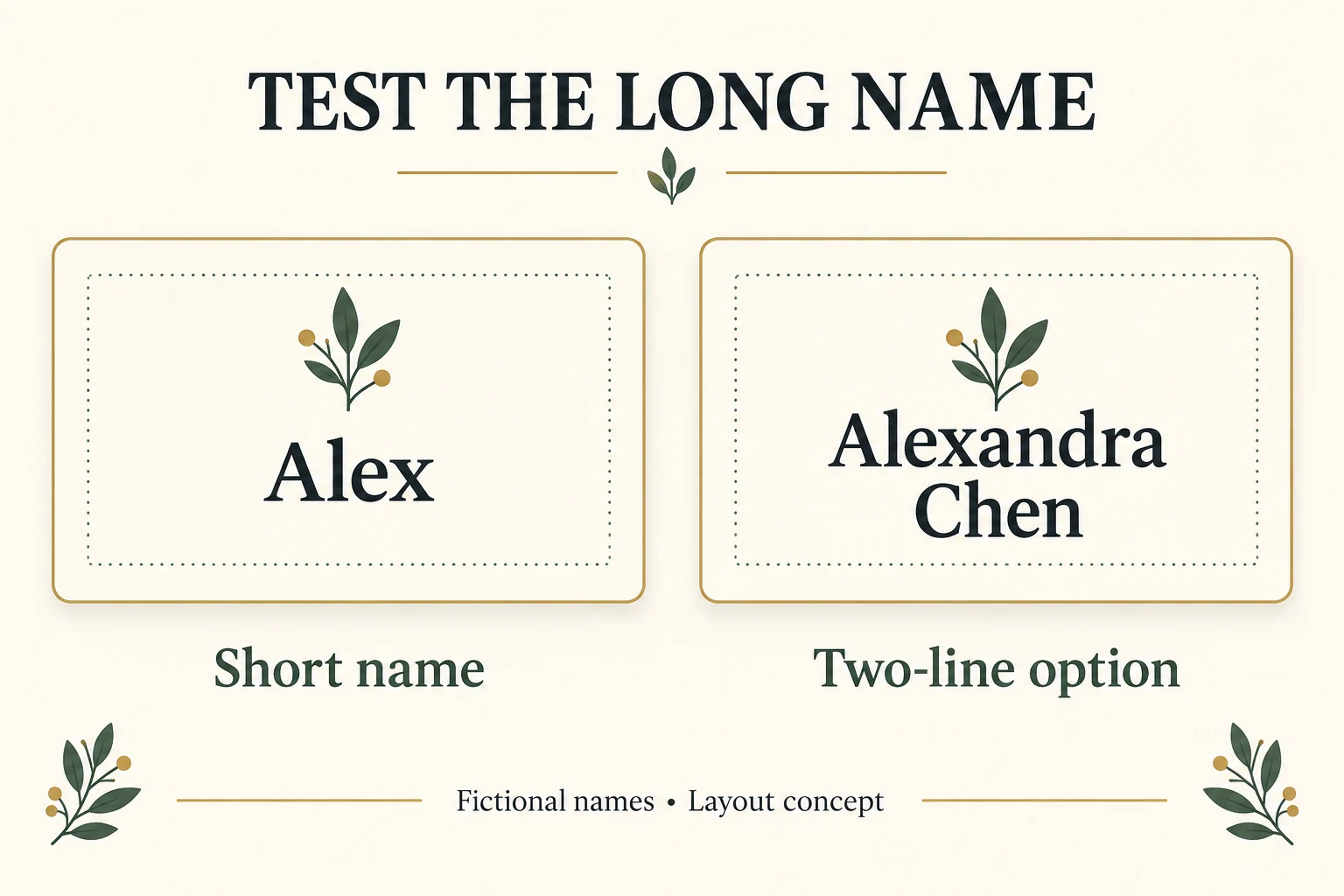
A beautiful sample with a four-letter name tells you little about a two-part name or a longer message. Test “Alex” and “Alexandra Chen” on cards with the same physical dimensions, using those names as fictional layout examples. Review the actual-size printed cards in their intended gift-box position; test a sleeve separately if that is the selected personal component. Add medium-length examples and any scripts or accented characters the actual audience may need. Check the printed piece at its intended size, rather than judging enlarged artwork on a screen.
Give the personal field its own space. Keep the brand mark in a stable position and allow the name to grow within a defined area. Decide whether long names wrap to a second line, use a smaller type size within an agreed range or require a different layout. Avoid shrinking text indefinitely just to preserve one template.
Messages need different treatment. A card designed for one sentence may not comfortably hold a paragraph. Set a message length that the layout can support, and show that limit wherever customers or event organizers supply the wording. The limit should come from the actual format and typography rather than a generic character allowance.
Choose a production route for changing content
One route is to print the changing component separately, then add it during packing. Another is variable-data printing, in which parts of the artwork change between printed pieces. HP describes packaging workflows with variable text, imagery and other elements; this establishes a technical possibility, not availability on every press or material. HP, One Package workflow announcement
Discuss the base box and personal component separately when comparing options. Each has its own quantity requirements, setup, materials and production schedule. A separate card or sleeve does not automatically remove a supplier’s minimum order quantity or guarantee faster delivery.
A hypothetical event gift
Imagine a brand preparing the same boxed candle gift for 600 event guests. The base box has an established charcoal design. Most names are known when the packaging is planned, but the guest list may still change. This is an illustrative scenario, not a Packrivo order.
The brand chooses a personal card in an envelope inside each box. The card carries the guest’s name and the giver’s message. A preparation step puts the card into the correct envelope and closes it; the envelope exterior carries only a discreet order identifier. The message stays inside.
Before sealing a gift box, packing staff match the identifier on its closed envelope against the order ID on a temporary pack ticket kept outside the box. They make that check without opening the envelope or reading the personal message. An absent or mismatched identifier is set aside for resolution rather than guessed from the packaging’s appearance.
Define the ticket-removal step in advance. In this example, staff record the successful match, put the closed envelope in the corresponding box and remove the temporary pack ticket before sealing. The ticket is then handled under the brand’s agreed record-retention process. If the event also needs a visible name for handover, approve a separate recipient-facing tag instead of leaving an internal packing ticket on the gift.
A name correction can be confined to the personal component, although the supplier still needs to confirm whether individual replacements are practical. Update the matching record when a component is replaced, and withdraw its superseded version from the packing area. The design separates the changing content from the base artwork; cost and timing remain project-specific.
Turn the layout check into a replacement instruction
Keep the same physical card format for a short-name and long-name trial. In this fictional layout exercise, Alex uses one line while Alexandra Chen uses two. The comparison changes line wrapping, not the card size. Record the chosen arrangement and intended print size; the illustration cannot establish readability for a real recipient.
The worksheet keeps every fictional example on Hold. Quarantine an incorrect or unresolved output immediately and do not pack it while waiting for a replacement; complete the Superseded record only when the confirmed replacement becomes current. A layout illustration or correction request does not approve a production output. In your actual record, release the identified revision only after the required wording, physical layout and matching checks are complete; mark a replaced revision Superseded when the replacement becomes current.
Scroll horizontally if columns extend beyond the view.
| Record | Personal component | Layout decision | Matching action |
|---|---|---|---|
| C-01 / revision 1 | Fictional Alex card | One name line | Link approved output to fictional order O-01 |
| C-02 / revision 1 | Fictional Alexandra Chen card | Two name lines on the same card | Link approved output to fictional order O-02 |
| C-02 / revision 2 | Correction requested; wording not supplied | Hold until corrected output is approved | Withdraw C-02 revision 1; verify replacement against O-02 |
A replacement is one current personal component for the same gift, not another gift order. Keep superseded prints away from the packing area. Use synthetic records while testing the workflow; a code linked to a real person can still carry privacy obligations. The overseas personalization data review covers the separate access decision before a printer receives actual recipient information. This layout worksheet grants no data-transfer permission.
Keep the experience personal and dependable
Collect only the recipient information needed for the printed piece. Use fictional names in public concept images, and place private messages inside the gift. During packing, keep each personal component linked to the correct order so a carefully written note reaches the right person.
Build a packaging brief with Packrivo and describe the base box, what will change per recipient, where the message should appear and when that information will be ready. Packrivo can help coordinate the sourcing questions around the proposed design, with printing capability and order conditions confirmed for the actual project.
Keep the current record with the project brief
Download the personalization layout record CSV. It contains field definitions, clearly hypothetical examples and a blank actual-project row. Replace invented values with your own supported records; keep unknown fields open.
Packrivo coordinates packaging sourcing and project questions with independent suppliers. The worksheet is a discussion aid, not a confirmed quotation, manufacturing promise or sample approval. The published starting MOQ is 500 pieces per product/design; actual component, design and commercial scope require confirmation.
Source scope: Separate gift-message example and historical variable-data workflow capability only; no chosen supplier capability or privacy permission inferred. Public references checked 16 October 2026. All new illustrations are AI-assisted concepts. No real customer, test, shipment, stock, savings or production outcome is represented.