
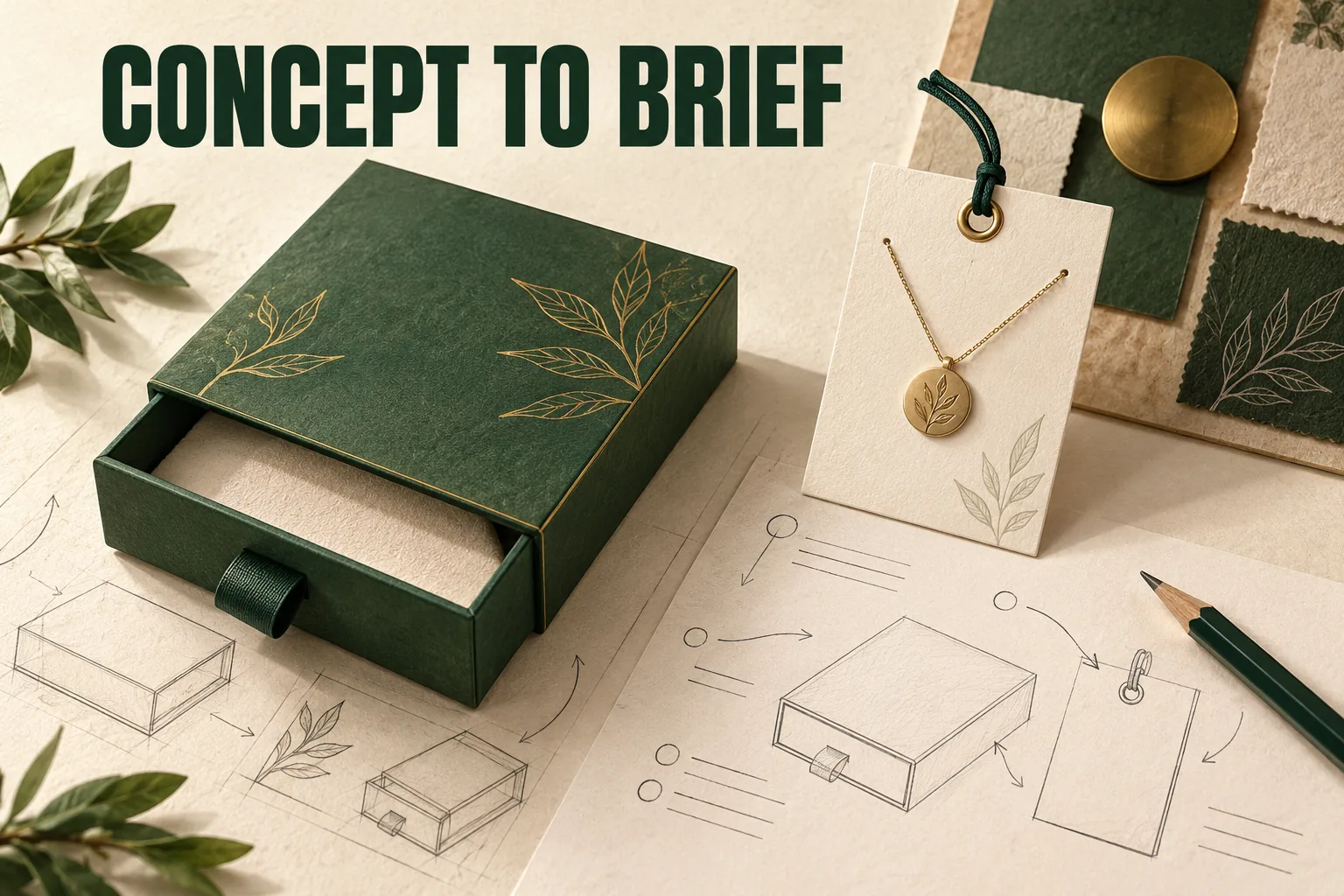
Use an AI packaging image to describe a visual preference, then turn its unresolved details into drawing and sample questions. Record the actual product and intended use separately. A convincing render can suggest an opening or finish while leaving dimensions, materials, assembly and fit undefined.
View the full-size planning illustration
The useful handoff has two parts: what you want the recipient to see, and what the next technical evidence must establish. Keeping them separate helps a supplier respond without treating pictured details as approved production instructions.
Describe the visible preference without guessing its construction
Name the apparent format and the experience you want. A sleeve that reveals a tray, a quiet exterior with a bright interior, or a visible product through a window can be useful design directions. Point to the relevant area instead of asking the supplier to reproduce everything exactly.
Keep apparent material and process as questions. A reflective gold mark could be a rendered color, a foil direction or another proposed treatment. A textured surface could suggest a wrap without identifying its composition, grade or supplier. The image alone doesn't settle those choices.
Record the features that must work: opening, loading, closure and removal. A drawer may be pictured partly open without showing how it is retained. A fitted product can hide the finger access needed to take it out. Those omissions should become explicit questions rather than assumed solutions.
Esko's Studio documentation describes structure, a matching keyline, artwork and rendered representation as different steps. That distinction is useful here: an image is one output, while a dimensioned and reviewable construction requires other information.
Add the actual product before requesting a box size
Prepare the product's packed dimensions, weight, version and intended orientation. Include the lid, backing card, chain, accessory or wrap that remains with it. A concept proportion shouldn't become a measurement of an object that wasn't used to generate the image.
Separate product dimensions from a proposed finished interior and from the outside shipping dimensions. Name the measurement subject and unit. If no actual measurement exists yet, identify the input as an estimate and assign who will replace it.
List contact restrictions and the intended retrieval action. An image showing jewelry neatly positioned doesn't show whether a clasp is trapped behind the card or whether a jar can be gripped. State those functions before selecting the holder geometry.
A drawer jewelry box or folding carton can provide a vocabulary for the initial discussion. Their public concepts remain directions to review, not verified availability or a ready-made specification for the pictured product.
Turn assumptions into a proof map
Choose evidence for the unresolved decision. Repeating the render can clarify a preference, but it won't answer every structural question.
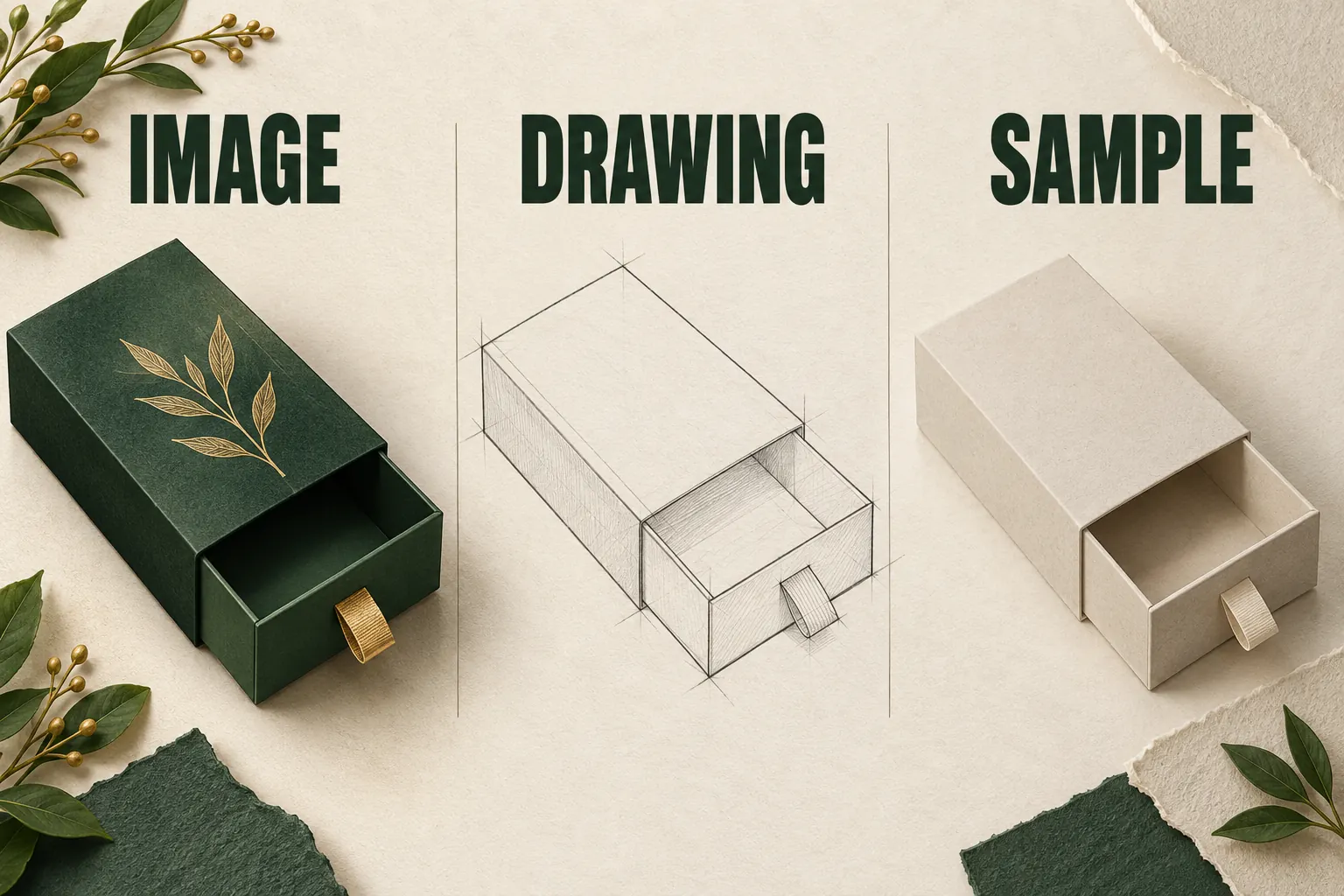
Scroll horizontally if columns extend beyond the view.
| Visible suggestion | Open decision | Evidence to request |
|---|---|---|
| Drawer or hinged opening | How moving parts engage and stop | Structural drawing and relevant blank sample |
| Apparent interior size | What usable space fits the real product | Labeled product measurements and formed sample |
| Metallic or textured surface | Which actual material and process are proposed | Named material or finish reference |
| Neat product placement | Contact, support and retrieval | Loaded holder review with the actual contents |
| Printed graphics | Panel placement and output requirements | Artwork on the selected drawing and printer response |
| Shipment-ready appearance | Complete pack and route suitability | Identified packed-system evaluation scope |
Give each row an owner and a next action. A material swatch doesn't close a tray-stop question, and a drawing doesn't establish a physical color result. Keep accepted information with the specific decision it supports.
Use a drawer planning example to choose the next evidence
Planning example: one image shows a sleeve, a partly exposed tray and a metallic-looking logo. The intended contents are one pendant card and a separate care card. No production drawing or physical sample has been obtained for this exercise.
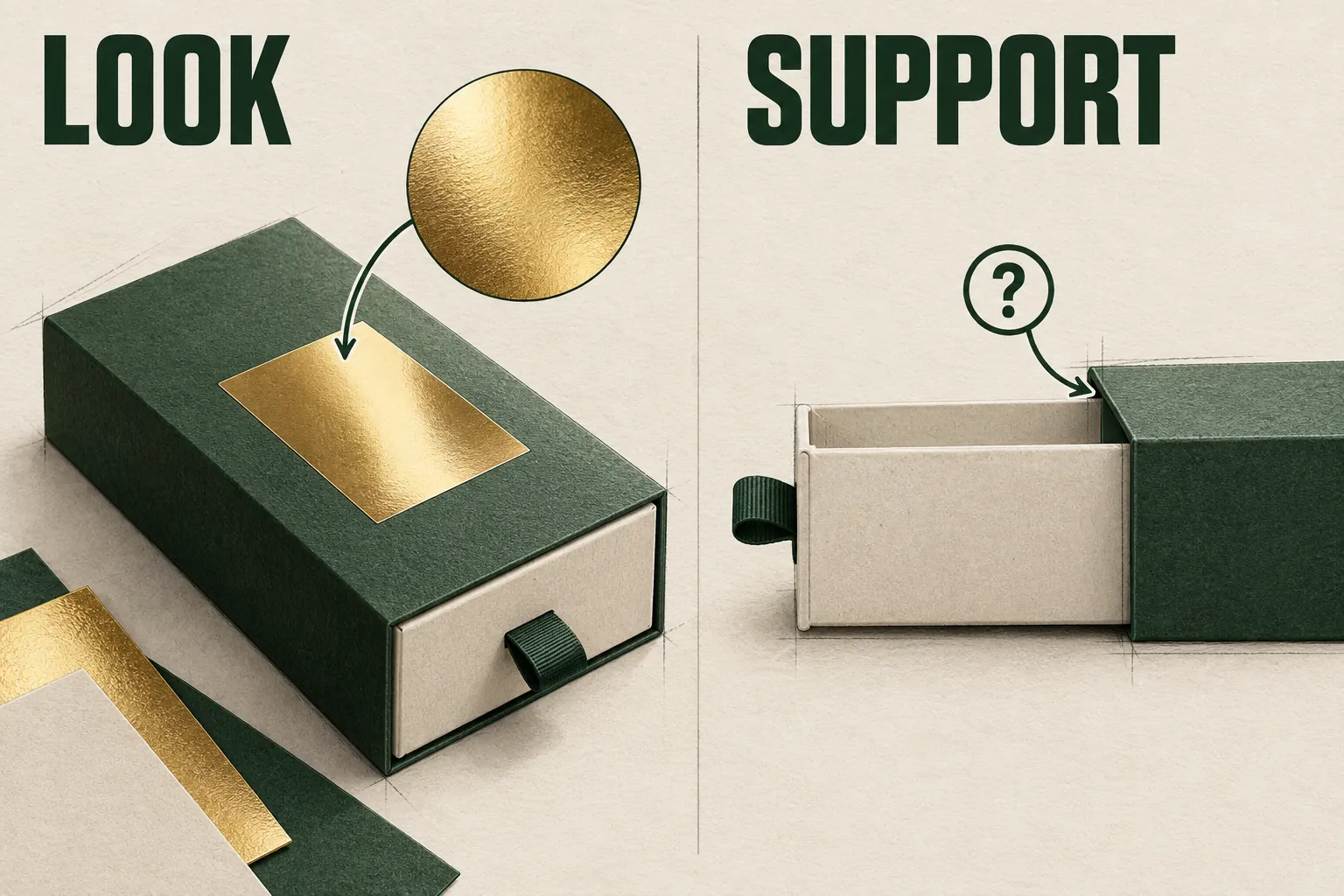
The buyer can state three preferences: a sliding reveal, a contrasting tray and a light-catching brand mark. The first technical question is how the tray remains supported when the pendant card becomes reachable. Request a proposed sleeve-and-tray drawing and identify which sample can show that action.
A second render changes the logo color. That helps discuss appearance but leaves the support question unanswered. Record it as a visual revision, then continue the structural request. Once the opening relationship is defined, ask which actual finish and material could express the preferred logo effect.
Keep the pendant card and care card in the layout. If the supplier proposes a holder that lifts both together, review that proposal as a different arrangement. A drawing that omits the loose card cannot settle its position in the final closed box.
Keep artwork and file ownership explicit
Ask which supplied files are reference images and which are intended for editing or production. The supplier needs to know who will create the current structural drawing and who owns the artwork, copy and final output. Use permissions appropriate to the assets you actually hold.
Adobe's separations guidance explains that on-screen previews have limitations and that settings need printer verification. A simulated metallic highlight can't supply the selected printer's foil instructions, spot-color names or physical appearance proof.
Annotate a reference copy rather than changing a production drawing invisibly. Mark the feature and question beside it, then keep the original reference. When a proposed construction changes, identify which visual preferences still apply and which need reconsideration.
Environmental, food-contact and performance claims require their own actual-material and use evidence. Avoid copying a sustainability label or certification symbol from a generated image into packaging artwork. A surface appearance cannot identify the complete construction or its applicable documentation.
Send an image-to-brief record with one next request
Combine the annotated reference, complete product record, visible preferences and proof map. Add quantity by design, destination and the proposed packaging role. Label unresolved dimensions, material and delivered-state fields so the supplier can answer them directly.
The initial supplier brief organizes those inputs after the image's assumptions have been separated. Keep the specific proof question in that wider record instead of replacing it with a general request for a price.
For public use, describe the image as an AI-assisted concept. It shouldn't be presented as a physical sample, customer order or completed project. Subsequent drawings and samples also need their own identities and review; a better image doesn't turn earlier assumptions into observations.
Bring the annotated concept and next evidence request to a packaging design inquiry. The result should be a concrete proposal that can be reviewed against the product, while the image continues to communicate the intended direction.