
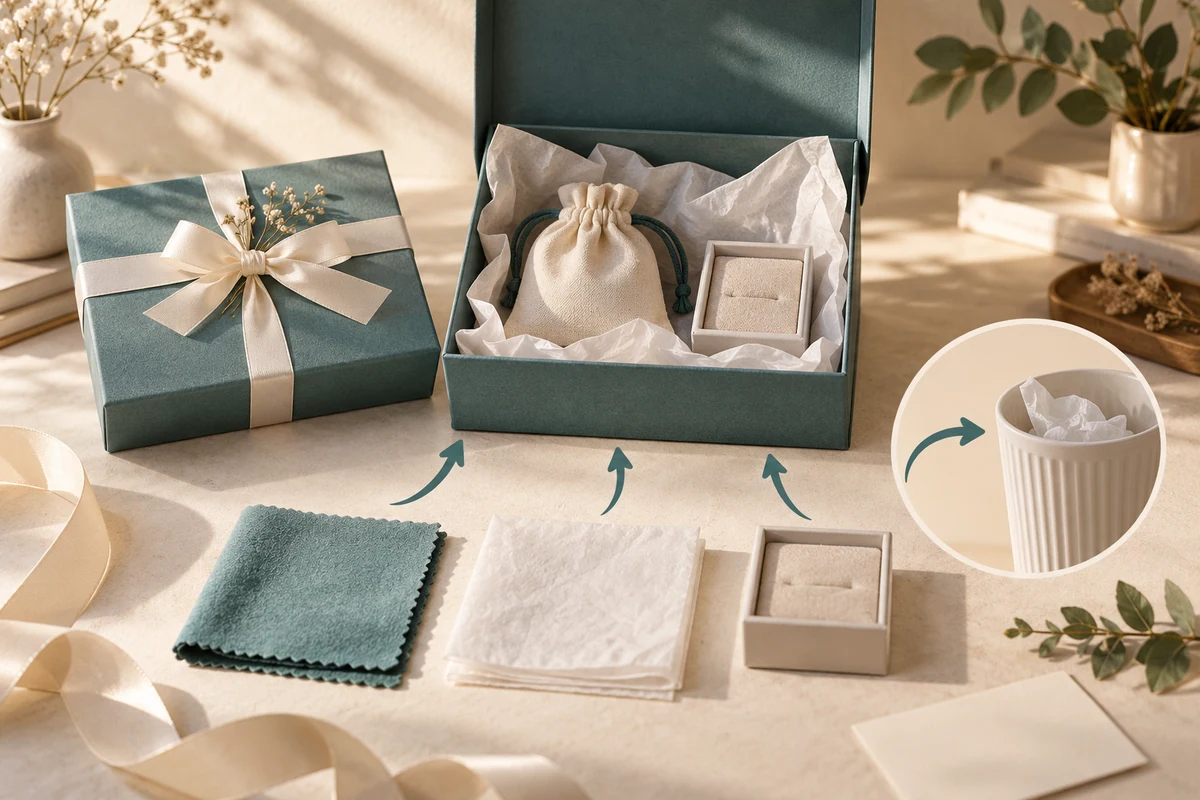
Identify the objects a recipient is meant to keep before writing instructions to remove the packing. A storage pouch, an approved care accessory and a loose protective sheet can look similar when they arrive around a gift. The product owner must define their actual functions; appearance alone cannot supply those instructions.
Use the complete contents list to distinguish purchased accessories, presentation components and transport packing. Then decide where a recipient can learn each object’s job at the moment it becomes accessible.
Give every included object a confirmed function
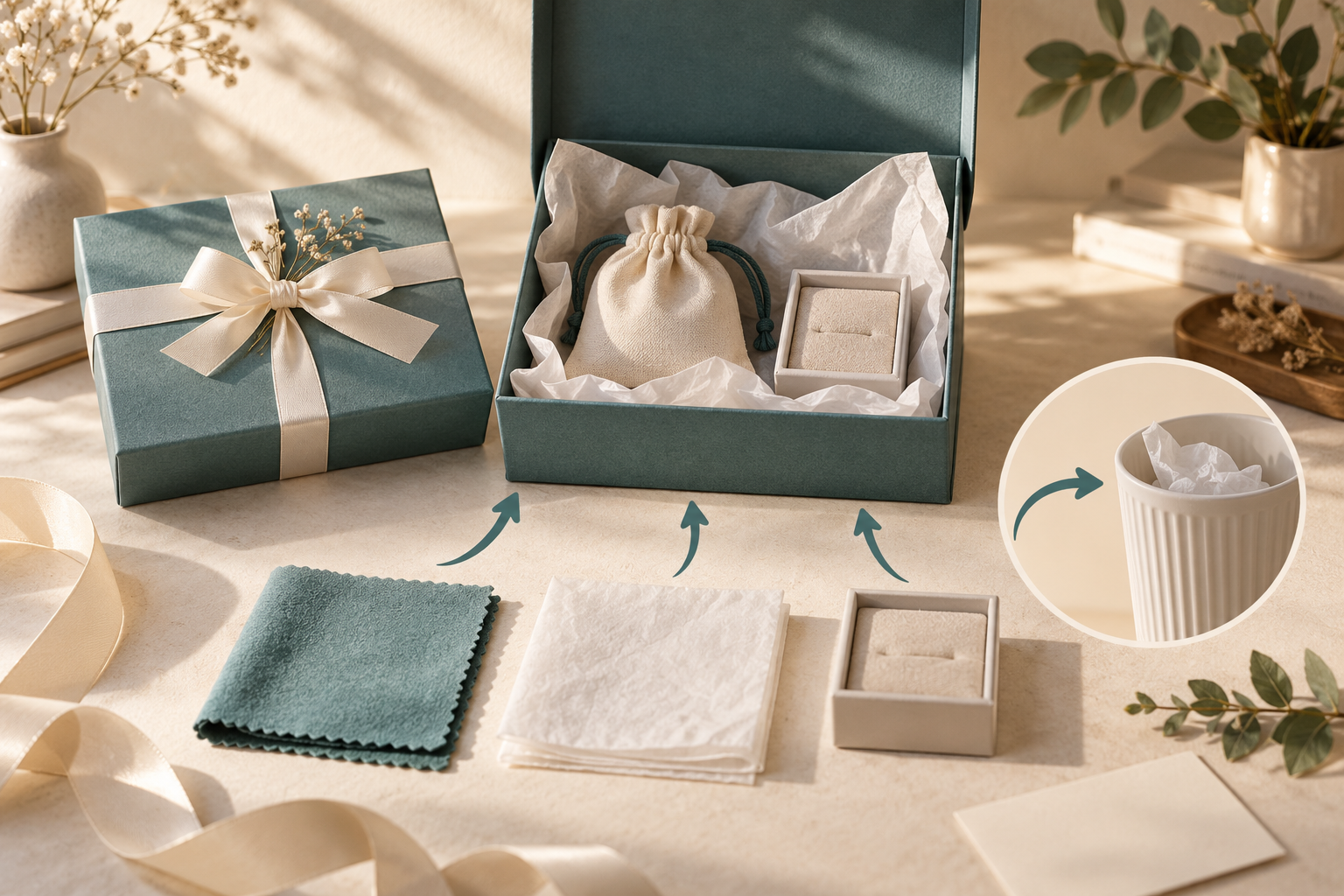
Consider a hypothetical jewelry gift containing a cleaning cloth approved by the product owner, a paper display holder and a protective tissue sheet. The cloth’s intended use comes from that approval, not from the fact it is fabric.
Scroll horizontally if columns extend beyond the view.
| Object in the hypothetical gift | Confirmed or proposed job | Information the recipient needs |
|---|---|---|
| Approved cleaning cloth | A supplied product accessory | Its identity and the owner’s actual permitted use |
| Display holder | Presentation and product support | Whether it is retained or removed after taking out the jewelry |
| Protective tissue | Packing for the supplied arrangement | Which removal action applies and whether any later use is intended |
Keep an unidentified object pending. A padded sheet could have a functional role that a generic “discard all wrapping” message would remove. A branded fabric square could be decorative rather than an approved cleaning accessory.
Do not add cleaning methods, chemical compatibility or environmental disposal instructions until the responsible owner supplies them. Those are separate factual requirements.
Make the distinction visible during opening
Place the accessory’s identity where recipients encounter it, rather than hiding its explanation beneath a part they might discard first. A short approved contents description can help distinguish a cloth from surrounding protective material.
The Microsoft packaging-design guidance discusses identifiable elements and connected physical and visual cues. Applied here, the design task is to make the object’s role understandable. No specific gift layout is validated by the manufacturer’s examples.
Compare proposed arrangements with the real contents. Ask intended users which objects they believe belong to the gift and which they would remove. Record uncertainty and any explanation supplied. This article describes that possible review; it reports no participant results.
Separate recognition from a disposal route
The component disposal map starts from packaging components and their separated states, using a named local collection example. It explicitly does not define the product or every accessory in a gift.
An instruction to keep a supplied accessory answers a different question from whether a discarded packaging material belongs in a local collection stream. Resolve the included-object identity first, then give supported instructions for any packaging actually removed.
A storage pouch can also have both a presentation role and an intended later use. State that dual role only when it belongs to the approved offer. Do not describe every gift pouch as a protective or reusable product accessory by default.
Return a contents-function brief
Send the product owner a list of all objects visible during opening, their proposed functions and the information carrier for each. Ask for the exact wording and any unknown use limits before the designer completes the panel or card.
Packrivo can connect that approved content with the packaging and supplier questions through a packaging project inquiry. Public design guidance was checked on 14 October 2026. The cloth, holder and tissue example is hypothetical and establishes no care, hygiene, safety or disposal result.
Place the contents label before the first discard decision
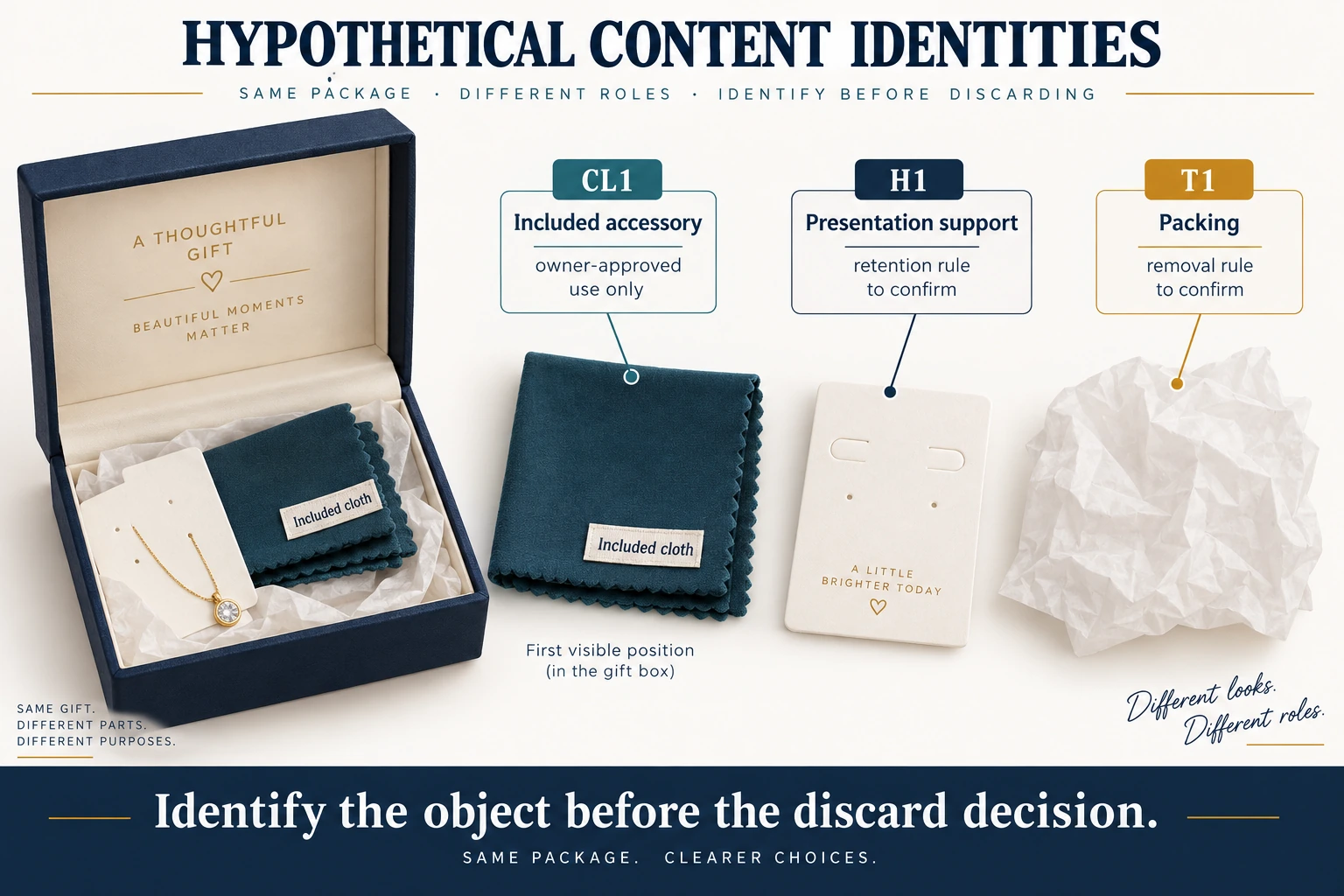
For gift packaging included accessories, map the first moment each object is encountered to the wording needed before it can be mistaken for waste. Continue the hypothetical cloth, display holder and tissue example. The cloth’s approved function remains an assumed product-owner input; no cleaning method is supplied here.
Scroll horizontally if columns extend beyond the view.
| Object ID | Encounter in proposed opening | Information required before next action | Unresolved boundary |
|---|---|---|---|
| CL1 cloth | Visible beside the jewelry | Identify as included accessory; use only owner-approved wording | Compatibility and care instructions require owner content |
| H1 holder | Supports jewelry when tissue opens | Identify presentation support and agreed removal/retention | No automatic reusable-accessory promise |
| T1 tissue | Removed to reveal contents | Distinguish packing from CL1; state confirmed removal action | No unverified disposal stream or later-use claim |
A contents card placed underneath T1 may be discovered after the recipient has already removed CL1 with the packing. Compare a visible short CL1 label with that buried-card proposal, keeping the actual approved words and contents constant. Ask what the person believes each object is for before explaining it. Record the response and any help supplied separately; do not mark recognition successful because the designer narrated the answer. If the object’s role is unknown, record “function unresolved” and ask its owner before writing keep, clean or discard instructions.
Download the gift packaging included accessories record (.csv). Example rows are explicitly hypothetical. Use ACTUAL_BLANK for your own permitted project entries; replace that row label only when recording actual inputs. Blank evidence or observation fields mean unknown or not performed, never approval. Keep revisions and checkpoints separate.
For a scoped packaging inquiry, provide every included object, its owner-confirmed function, the actual permitted wording and where recipients first see it. Send the identified configuration and open questions to Packrivo. Quantities in this record are planning demand, not quoted purchase quantities, MOQ exceptions or confirmed service availability.
What this changes in a packaging enquiry
List every included accessory and assign whether it is retained, removed for use or discarded before finalizing inserts and disposal copy. Ask the supplier to show where those items sit in the opening sequence. A generic recycling icon cannot communicate a product-specific accessory function.