
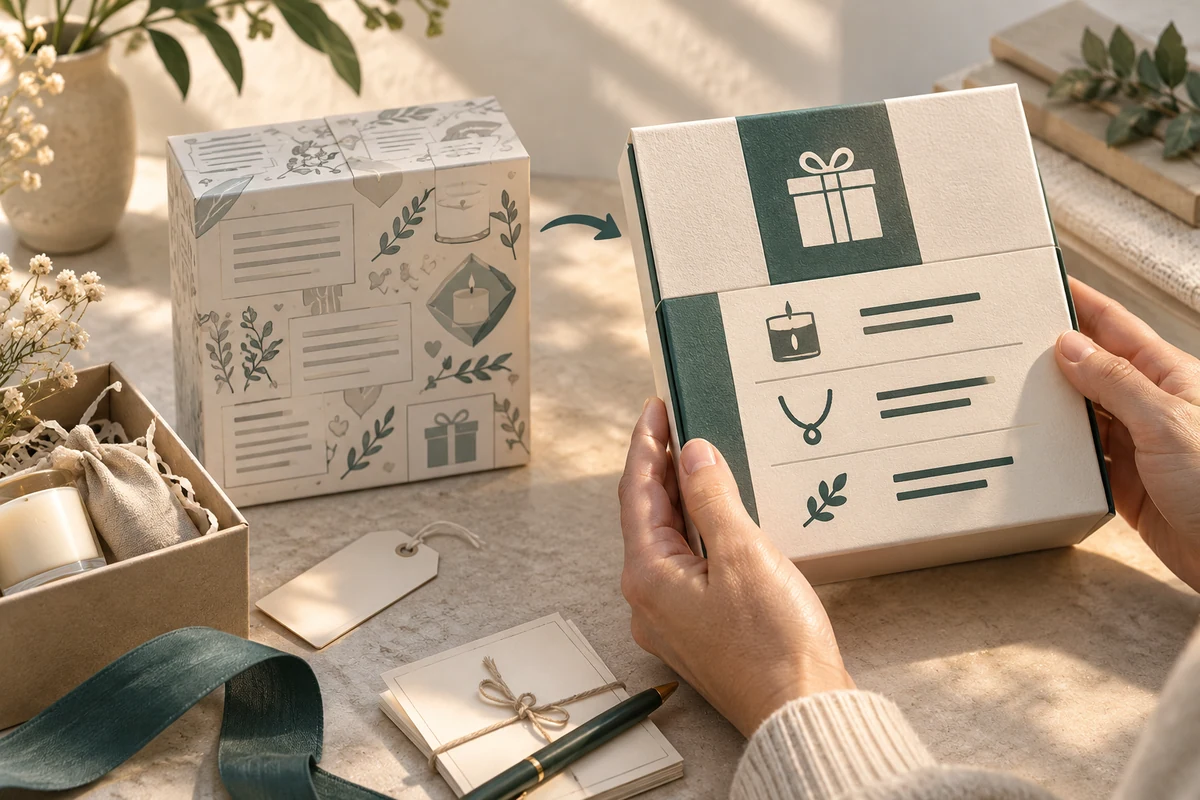
Low-vision gift packaging needs essential information arranged around actual reading tasks. Decide what recipients must identify, locate and read first, then compare the proposed layouts on the intended physical surface. Enlarged artwork on a designer’s screen cannot establish that a small printed panel is useful to its readers.
Readability involves the complete presentation. A clear typeface can still be hard to use where a sleeve covers the words, a reflective finish creates glare or several equally prominent messages compete for attention.
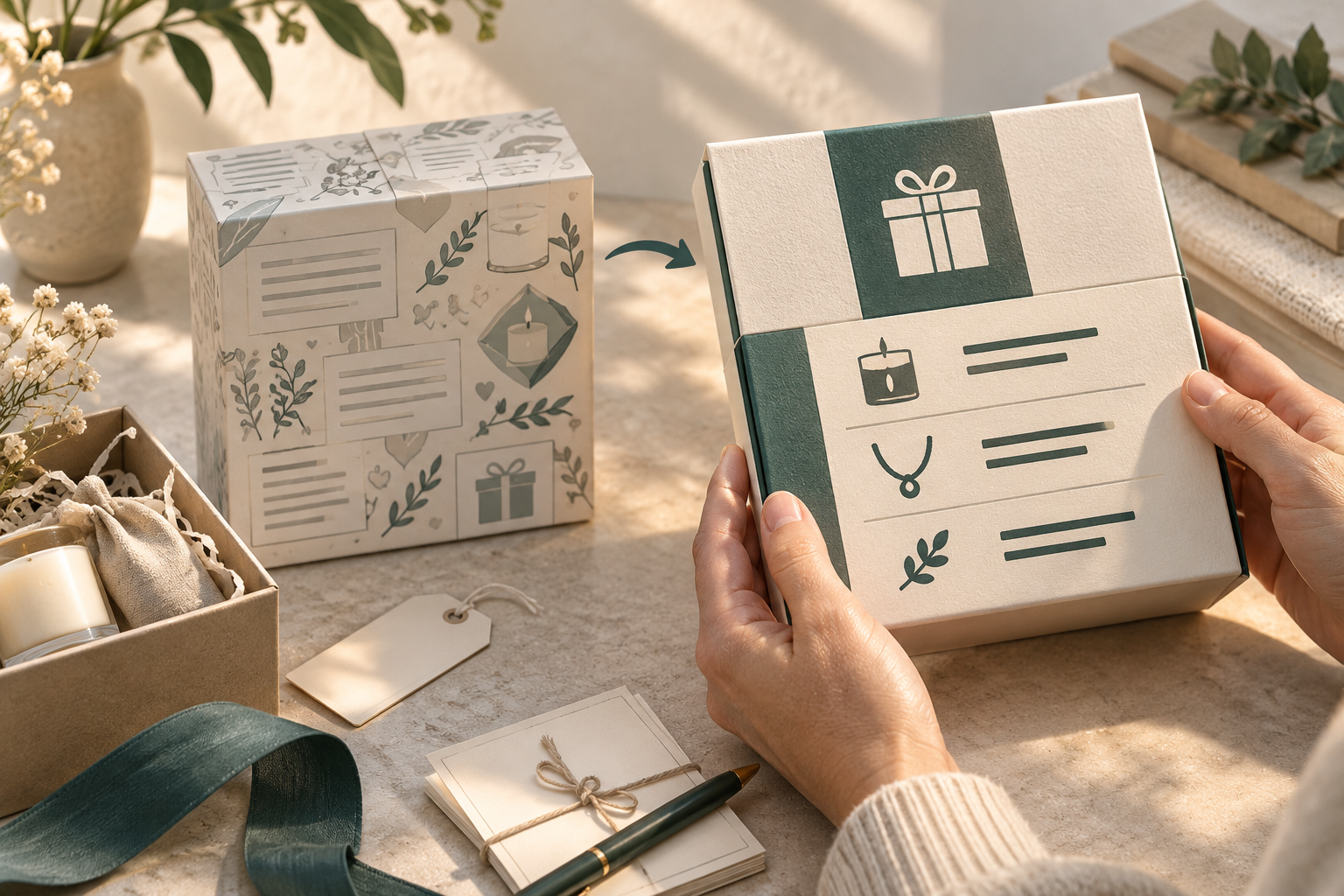
Put the reading task before the available panel
List the information the product owner has actually approved. Separate product identification, opening directions, care content and a support route from optional brand or campaign copy. Decide which fields recipients need before opening and which they can use later.
The UK accessible-communication guidance recommends plain language, legible presentation and involving disabled people in planning and reviewing accessible formats. It concerns communications broadly. Its document guidance does not provide a packaging certification or universal print-size pass criterion.
For a jewelry gift, a recipient might need to find the product name, distinguish the working opening from decoration and locate the correct care information. Each is a different task; success at reading a logo answers none of them automatically.
Compare the same content at its actual size
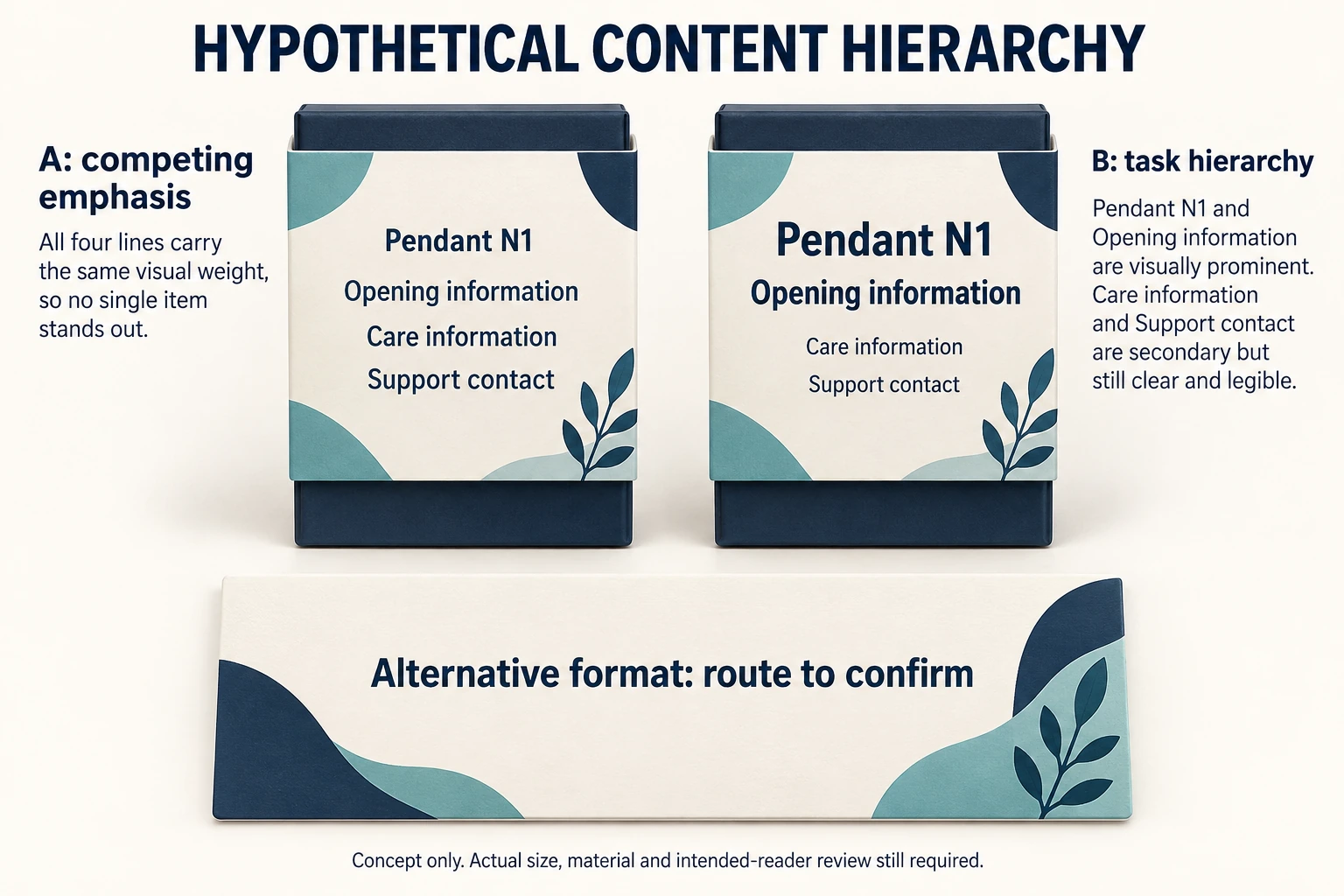
Consider two hypothetical carton layouts containing identical approved words. Layout A gives the campaign greeting, brand name, product identity and support details similar visual emphasis. Layout B puts the product name and opening direction first, with longer care content on a retained card.
Scroll horizontally if columns extend beyond the view.
| Reading task | What the proposed comparison should retain |
|---|---|
| Identify the gift | The actual product name, variant and visible panel |
| Locate the opening direction | The fully assembled starting state and any covering components |
| Find care information | Its real position and the route to the intended content |
| Reach support | The readable address or contact information actually supplied |
Prepare actual-size proofs representing the proposed material and finish. A paper printout can help discuss hierarchy, but its scope does not cover a glossy or curved production surface. Identify those differences before interpreting an observation.
Ask intended readers to complete the named tasks without verbal coaching. Record what they find, what they cannot distinguish, whether they request help and which conditions were used. No participant result is assumed in this example.
Keep alternate formats connected to the gift
A larger retained card or an accessible information page may help where a small package cannot carry all useful detail. The route must still be findable and identify the actual product. Adding a code alone does not resolve a missing reading route.
The braille transcription and reading guide addresses a separate option for readers who use braille. Raised lettering or a tactile opening marker is not automatically a substitute for readable visual content, nor does braille address every partially sighted reader’s preference.
Microsoft’s accessible-packaging guidance describes its own design practices and stresses participation across abilities. Its technology-product examples and numerical metrics are not adopted here as universal requirements for gift boxes.
Approve a defined information arrangement
Return the approved wording, physical carrier, actual-size layout and reader-task observations together. Name any information that remains difficult to locate and the proposed change. Retain the comparison conditions so later artwork or finish changes can be reviewed against them.
Packrivo can help coordinate the print and structural questions through a packaging project inquiry. This is a proposed design comparison, not a completed user study or accessibility approval. Public guidance was checked on 14 October 2026.
Compare identical wording before reducing or relocating it
Low vision packaging design can start with a content-placement record before any printed proof is treated as ready. For a fictional Pendant N1, compare A and B using the same four field labels. The diagram’s words describe information categories; they are not an approved product identity, opening instruction, care method or working support contact.
Scroll horizontally if columns extend beyond the view.
| Task | Keep constant in A and B | Record on the actual assembled proof |
|---|---|---|
| Identify | Exact approved identity and variant wording | Which visible field was used; any confusion |
| Locate opening information | Same approved direction wording | Whether sleeve or decoration hides its starting point |
| Find care information | Same approved care text and reference | Can reader locate the actual retained card/content? |
| Reach support | Same real supplied contact route | Can reader identify and use that route? |
Record the physical carrier revision, measured panel dimensions, printed size, material/finish, lighting and the agreed task conditions alongside each observation. In the CSV, an empty observation means not observed, not successful. A category label saying “Support contact” cannot be tested as though it were a functioning address. Replace it with approved content before that task. If a retained card or alternate format is proposed, record who supplies it and how the recipient finds it; no alternate service is created by drawing the card. Any observed preference must retain its participant/context limitations.
Download the low vision packaging design record (.csv). Example rows are explicitly hypothetical. Use ACTUAL_BLANK for your own permitted project entries; replace that row label only when recording actual inputs. Blank evidence or observation fields mean unknown or not performed, never approval. Keep revisions and checkpoints separate.
For a scoped packaging inquiry, send the actual approved wording, physical carriers and dimensions, intended reading tasks and the proposed alternate-format route. Send the identified configuration and open questions to Packrivo. Quantities in this record are planning demand, not quoted purchase quantities, MOQ exceptions or confirmed service availability.
What this changes in a packaging enquiry
Give the designer and supplier the essential text, final printed size and intended reading task before comparing packaging proofs. Ask for the proposed panel, contrast treatment and physical sample scope. A product-page concept cannot establish low-vision accessibility or replace evaluation of the actual assembled proof. A relevant configuration to compare is the Informational insert card; it is a concept reference, not confirmed suitability.