
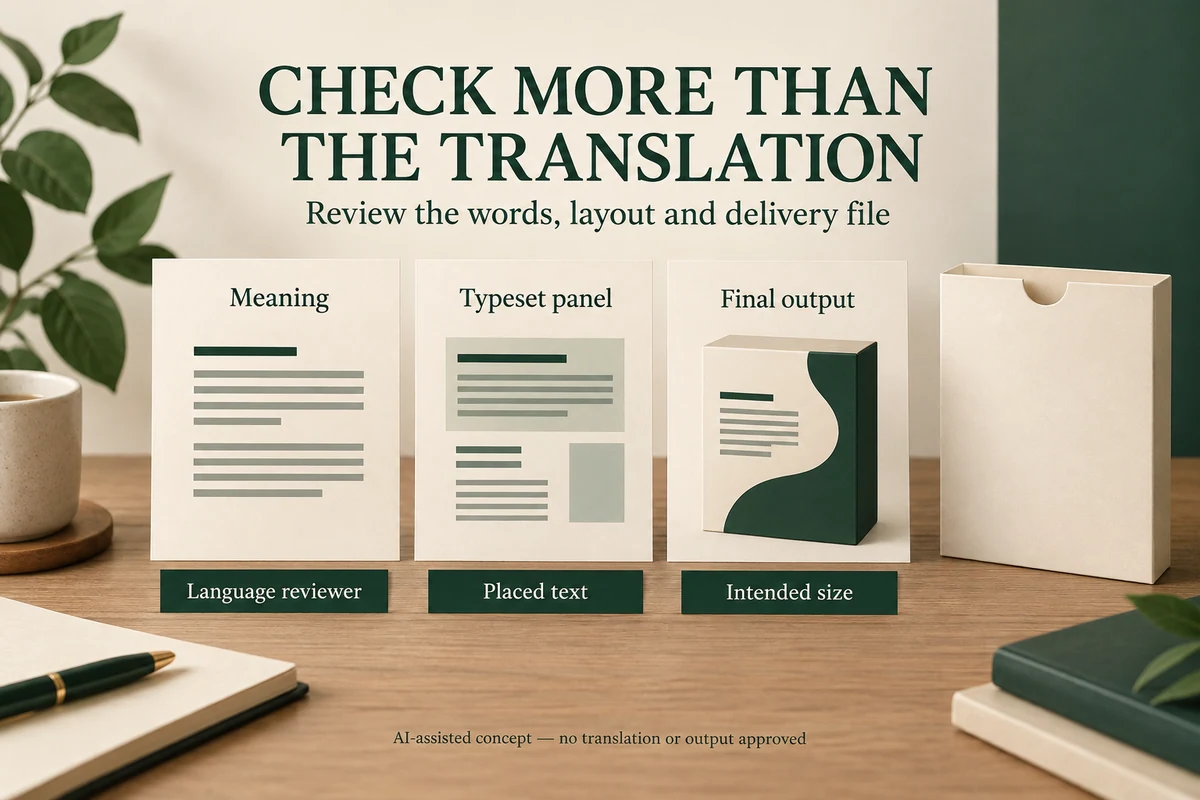
Review multilingual packaging in three stages: confirm the meaning, inspect its typeset form and read the final delivery output. Assign a competent reviewer for each language and show them the actual layout. An approved translation pasted into artwork can still acquire missing characters, changed line breaks or incorrect reading order.
This process suits gift, jewelry and candle brands preparing more than one language on a package. It doesn’t decide which languages or legal statements a market requires. The person responsible for product information and market compliance must settle that scope separately.
Approve language meaning before squeezing the panel
Give the language reviewer the product context and intended reader action. A care instruction needs more than a list of translated words; the reviewer should understand which item it concerns and what the customer should do.
Keep brand names, product identifiers, quantities and web addresses distinguishable from the text that should be translated. Ask the reviewer to flag ambiguity before the designer adjusts the panel. A translation that doesn’t fit should return to the wording owner for a deliberate revision, rather than being shortened silently in the artwork.
Packrivo’s retail-copy responsibility guide helps assign that content decision. This article adds the separate checks needed after the words enter a multilingual layout.
Inspect typography with someone who reads the language
Ask the designer to confirm font support and the layout features needed for the scripts involved. Adobe provides World-Ready composer guidance for multilingual and bidirectional text in InDesign, including its Arabic and Hebrew workflow. Software support is a starting point, not proof that a particular panel reads correctly.
Have the language reviewer inspect the placed text. Include accents, punctuation, numbers, units and any mixture of reading directions. Keep the full panel visible so the reviewer can assess how the customer encounters the information.
Don’t replace unfamiliar lettering with an image solely to avoid a font question without assessing the resulting output. The designer and printer still need to inspect the final appearance at the intended scale.
Use three views for different questions
| Review view | What it can establish | What to compare next |
|---|---|---|
| Approved source wording | Meaning and accepted terminology for the named product | The exact text placed in the layout |
| Typeset panel | Characters, reading order, line breaks and information hierarchy | The exported delivery PDF |
| Final-size output or agreed proof | Readability and appearance within its proof scope | Any change returned by the printer |
One reviewer may perform several checks if qualified, but keep the decisions identifiable. A designer can confirm that a paragraph fits while the language owner is still deciding whether an instruction conveys the intended meaning.
Keep short codes and numbers in the comparison
Read product codes, quantities and web addresses independently of the surrounding paragraph. They can look plausible even after a character has changed. Compare them directly with the approved source.
For a hypothetical bilingual care card, the buyer checks that both languages describe the same product, that the web address is unchanged and that the relevant care statement survives the line breaks. The designer then exports the candidate PDF and returns that exact file to the language reviewers.
If the printer requests an outline or another file change, inspect the resulting output again. The earlier text approval identifies the intended content; it doesn’t approve every later transformation of the file.
Prevent edits in one language from hiding in another
When a product instruction changes, identify which language versions need updating. A new English paragraph beside an earlier translation can make the two sides of the same card inconsistent.
Use a simple change note that names the altered meaning and all affected text blocks. Ask each language reviewer to check the revised layout rather than only the standalone translation. Keep unreviewed language versions out of the final delivery candidate.
The print-file manifest helps connect source text, fonts and output files. Complete the multilingual check on the file that will actually reach the printer, with the intended words and final panel appearance both confirmed within their respective scope.
Adobe guidance checked 8 October 2026. The review sequence is an editorial planning method. It doesn’t establish market language requirements, translation accuracy or a printer’s acceptance of a particular file.
Catch an older care block in both the layout and export
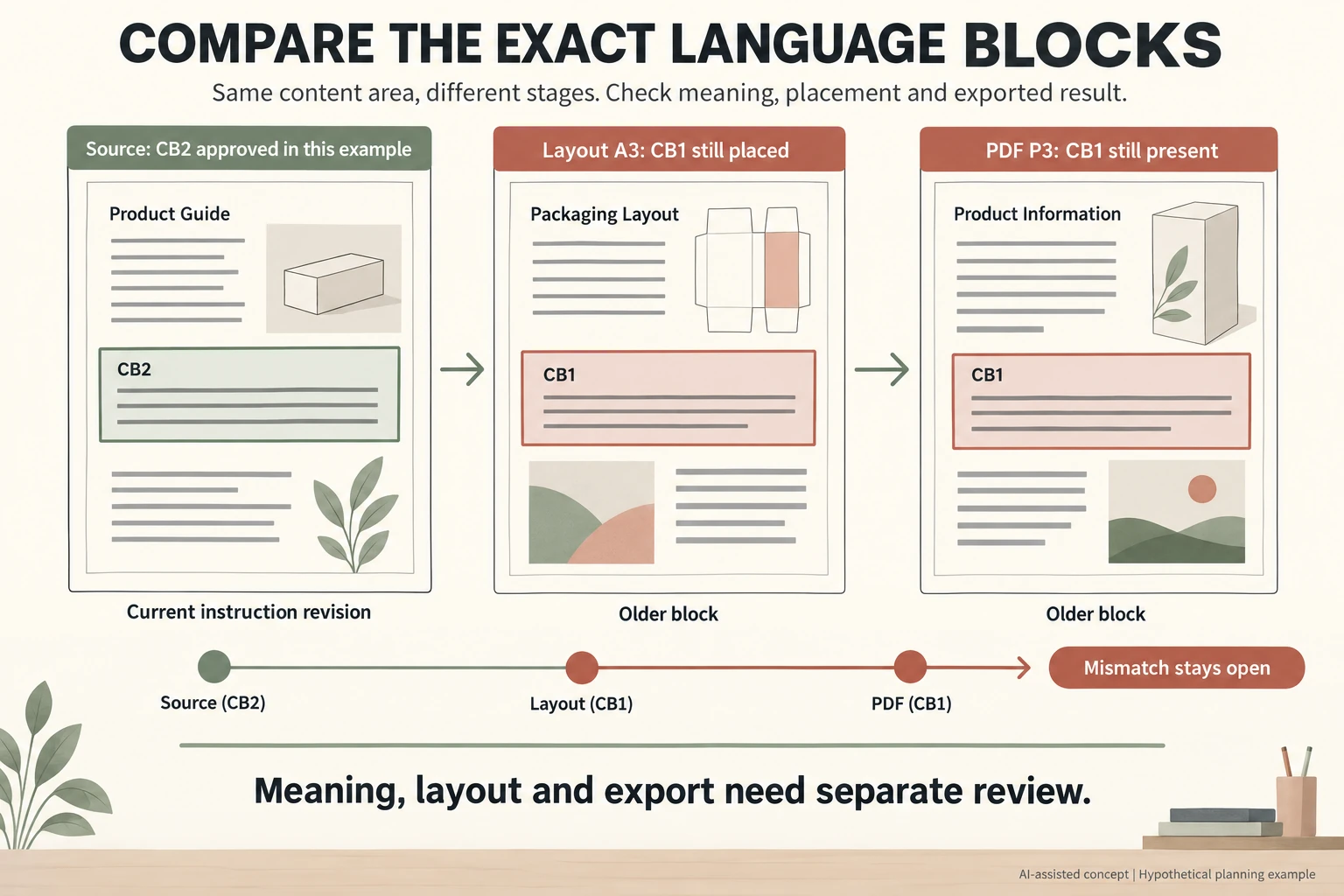
In an invented multilingual proof record, CB2 replaces care block CB1 after a change to the intended removal sequence. Assume CB2 is accepted for the first language only. Review of its second-language counterpart remains open. No actual translation or product instruction is supplied.
Scroll horizontally if columns extend beyond the view.
| View | Expected identity | Invented current state | Next decision |
|---|---|---|---|
| Source, first language | CB2 | CB2 accepted by premise | Retain actual wording when available |
| Layout A3 | Current accepted blocks | CB1 still placed | Replace and review layout |
| PDF P3 | Current reviewed layout | CB1 still present | Re-export and compare exact file |
| Second language | Counterpart to CB2 | Updated wording absent | Meaning and typeset review pending |
Matching P3 to A3 is insufficient when A3 contains the wrong source revision. Compare source to layout and layout to export, and keep the source-to-export check visible. Diagram lines are placeholders, not translated words or readable production copy.
The CSV separates language, block, meaning decision, placed revision, output file and reviewer. Actual wording references and review dates stay blank here. A renamed PDF does not prove the content changed. After the appropriate language reviewer supplies the counterpart, return that exact placed panel and export for review at the intended scale. Adobe composition features do not establish translation accuracy, required market languages or printer acceptance.
Download the multilingual packaging proof checklist record (.csv). HYPOTHETICAL rows are invented examples. Use ACTUAL_BLANK for permitted project inputs; replace that row label only when recording actual facts. Empty evidence, observation and date fields mean unknown or not performed, never acceptance. Keep checkpoints and revisions separate.
Send source-block identities, exact layout and export references, and each unresolved language decision using only disclosable material. Prepare the identified scope for a Packrivo inquiry. Packrivo coordinates independent suppliers. These records establish no supplier offer, service availability or MOQ exception; its published baseline is 500 pieces per product/design.