

A print-finish instruction should identify the chosen effect, exact artwork, panel location, substrate and proof needed for the decision. Connect those references before the printer prepares output. A phrase such as gold logo leaves the process, physical appearance and relationship to the box unresolved.
View the full-size planning illustration
This guide begins after the main effect choice. The foil, embossing and spot-UV comparison helps select that direction. Here the output is the instruction package a supplier can assess and return with specific file and sample requirements.
Name the effect and the actual artwork object
Identify the wordmark, pattern or decorative area at final size. Give the artwork a version and connect it to the current structural drawing. A reference photograph can show the intended effect, but the printer still needs the object that will receive it.
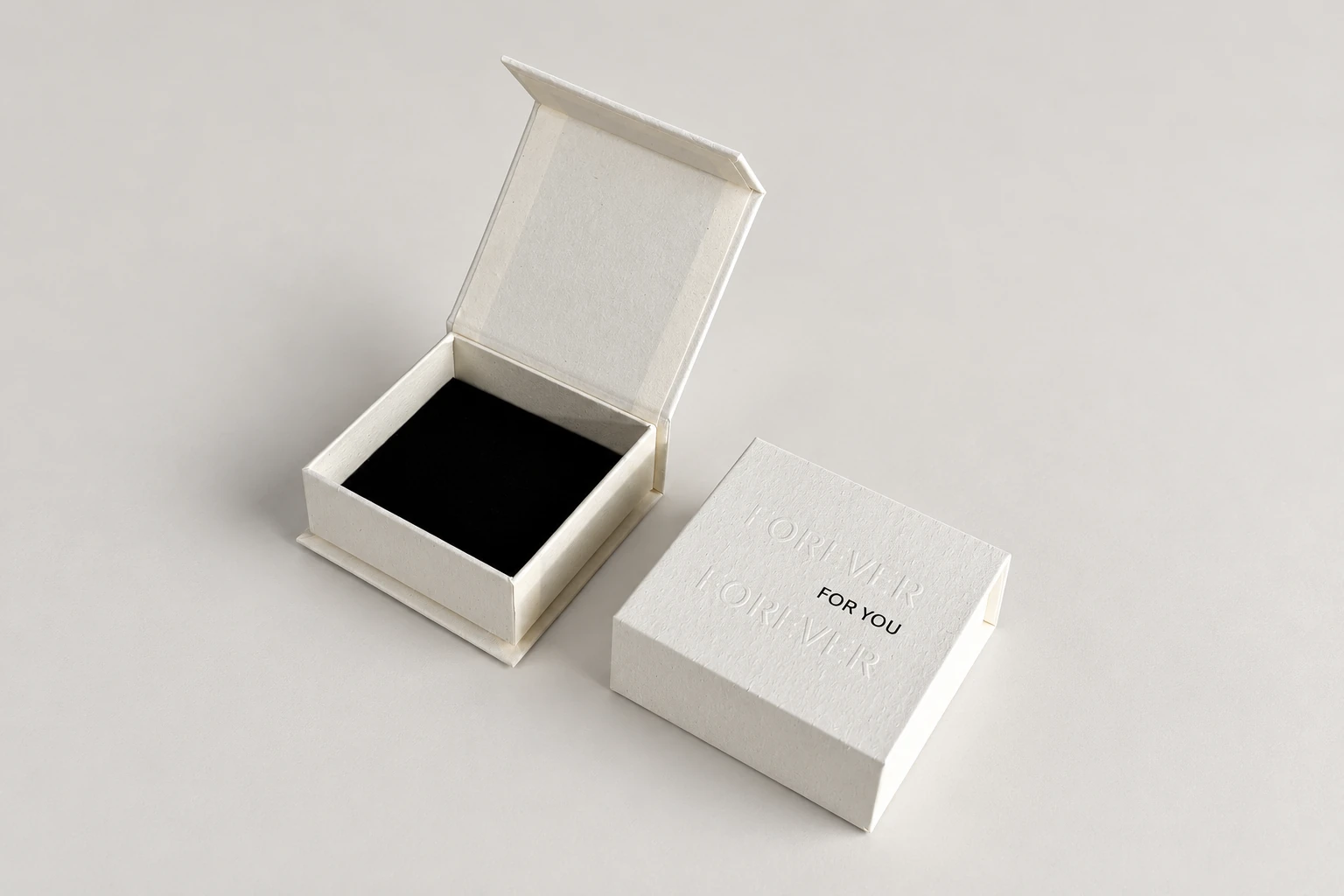
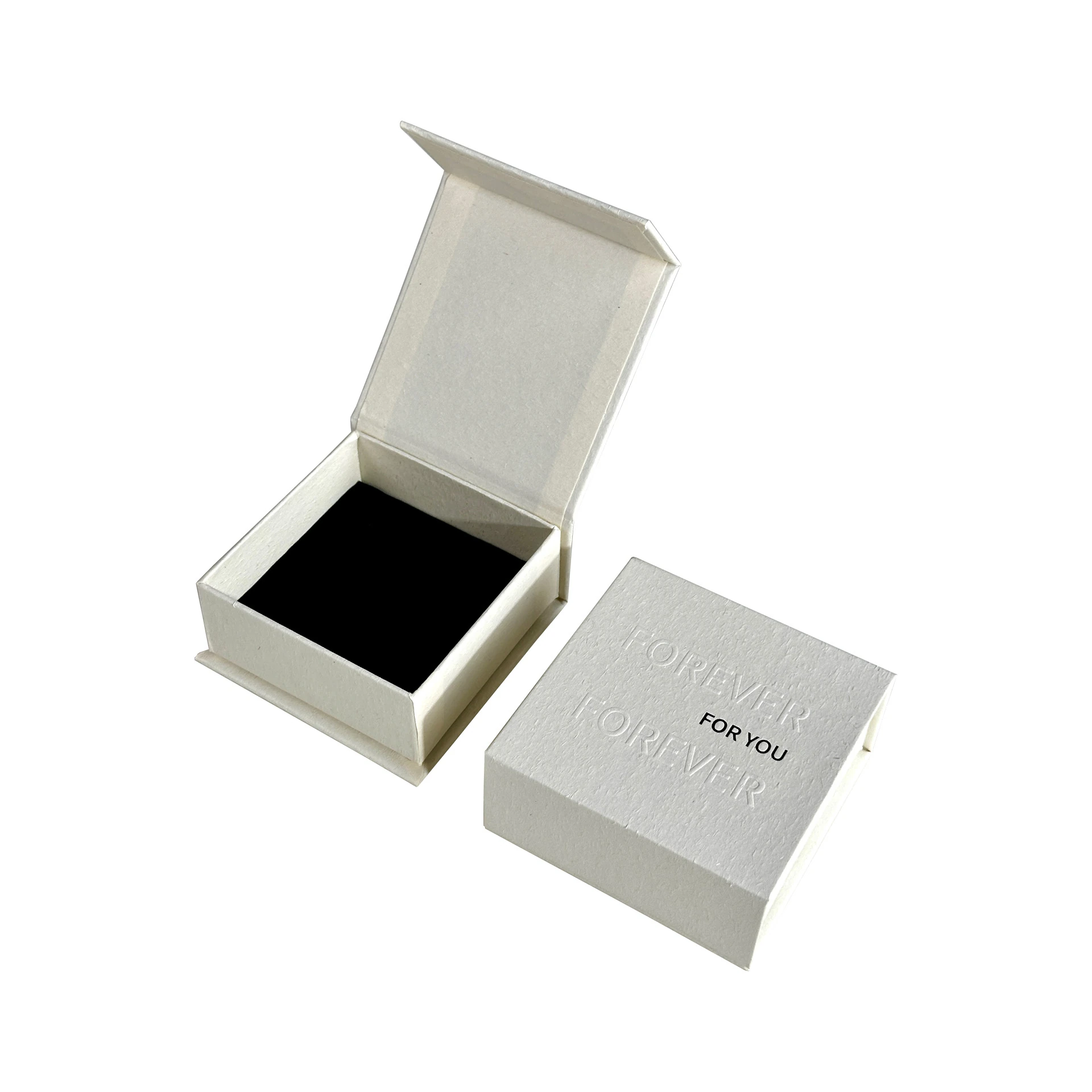
Ask which process is proposed. FSEA's foil reference distinguishes hot, cold and digital decorating routes. The word foil therefore needs a source-specific answer rather than an assumed recipe shared by every converter.
For embossing, identify the relief direction and relevant front and back surfaces. For a local coating, identify the mask boundary and surrounding finish. If effects are combined, record the areas that must align and the decision each treatment is meant to support.
Keep an unselected swatch or process visibly open. The buyer can discuss artwork placement without claiming that a particular foil color, relief or coating has already been accepted. Those decisions can proceed together only when the evidence actually covers them.
Locate the finish on the complete construction
Mark the panel, orientation and intended view on a copy of the current drawing. Preserve recognizable cut, crease and glue information. Give the production drawing and the annotated discussion copy separate file identities.
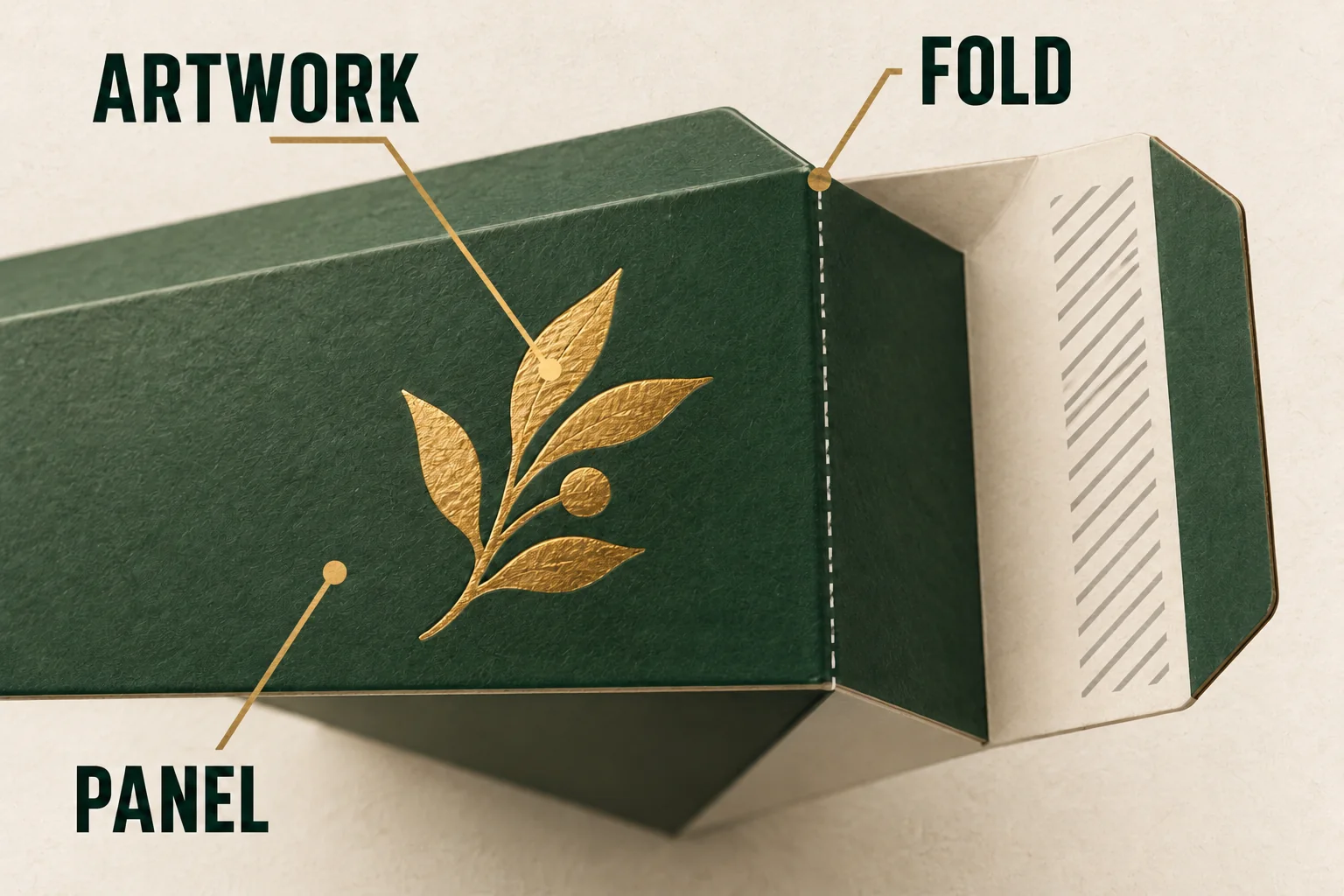
Show nearby folds, turned edges, seams and closure contact. A mark that looks centered on a flat panel can meet a different interface after forming. A relief feature can affect a surface behind it, while a gloss area can reach a joint that needs separate review.
For a folding carton, relate the effect to the formed panel. For a magnetic jewelry box, identify the actual wrap and lid surfaces. The same artwork object doesn't automatically have the same process requirements on both.
Describe the material proposal with the finish request. Include the named board or wrap and any underlying print, film or coating that has been supplied in the specification. Leave an unidentified grade open instead of choosing one from a similar-looking sample.
Use a finish instruction table with separate decisions
The table should let the supplier locate the proposed treatment and explain what it needs next. It should also let the buyer see which evidence remains missing.
Scroll horizontally if columns extend beyond the view.
| Field | Instruction to prepare | Decision or reply needed |
|---|---|---|
| Drawing | Component, panel and current revision | Does the proposal use that construction? |
| Artwork | Exact object, final size and file version | Can the proposed process reproduce the required detail? |
| Location | Boundary and nearby folds, cuts or joints | Which exclusions or adjustments apply? |
| Substrate | Board, wrap and known surface layers | Which offered material and process are being assessed? |
| Appearance | Physical reference or selected swatch | What does that reference represent? |
| Output | Printer-required separation and format | Who creates and identifies the delivery file? |
| Proof | Layout, material effect or formed interaction | Which decisions can the evidence close? |
Keep the responsible owner with the row. Designer file preparation, buyer appearance review and printer technical acceptance are different jobs. A returned file or sample should show which of those jobs it has actually addressed.
Write a located planning request
Planning example: one sleeve proposal places a brand mark on the front panel near a fold. The buyer prefers a reflective finish, while its actual foil reference and process remain unselected. No printer file or physical sample has been accepted in this exercise.
The request can identify the current sleeve drawing, mark and fold, then ask which process and artwork setup the printer proposes. Ask for the boundary or offset it requires around that particular interface. Avoid adding a universal spacing number simply to make the instruction look complete.
Request evidence for two separate decisions: the mark's placement on the formed sleeve, and the physical effect on the proposed surface. A layout proof could address the first within its stated scope while the finish appearance remains open.
If the mark moves, assign the changed artwork a new revision and revisit its nearby relationships. If the board changes, ask which physical appearance decisions need another sample. Keep the original request so the new proposal can be understood as a change rather than an unexplained replacement.
Confirm the output route with the selected printer
Adobe's separations documentation describes controls for previewing spot objects and overprinting, along with limitations of screen inspection. Use those capabilities to locate questions; the selected printer defines its actual required setup and proof route.
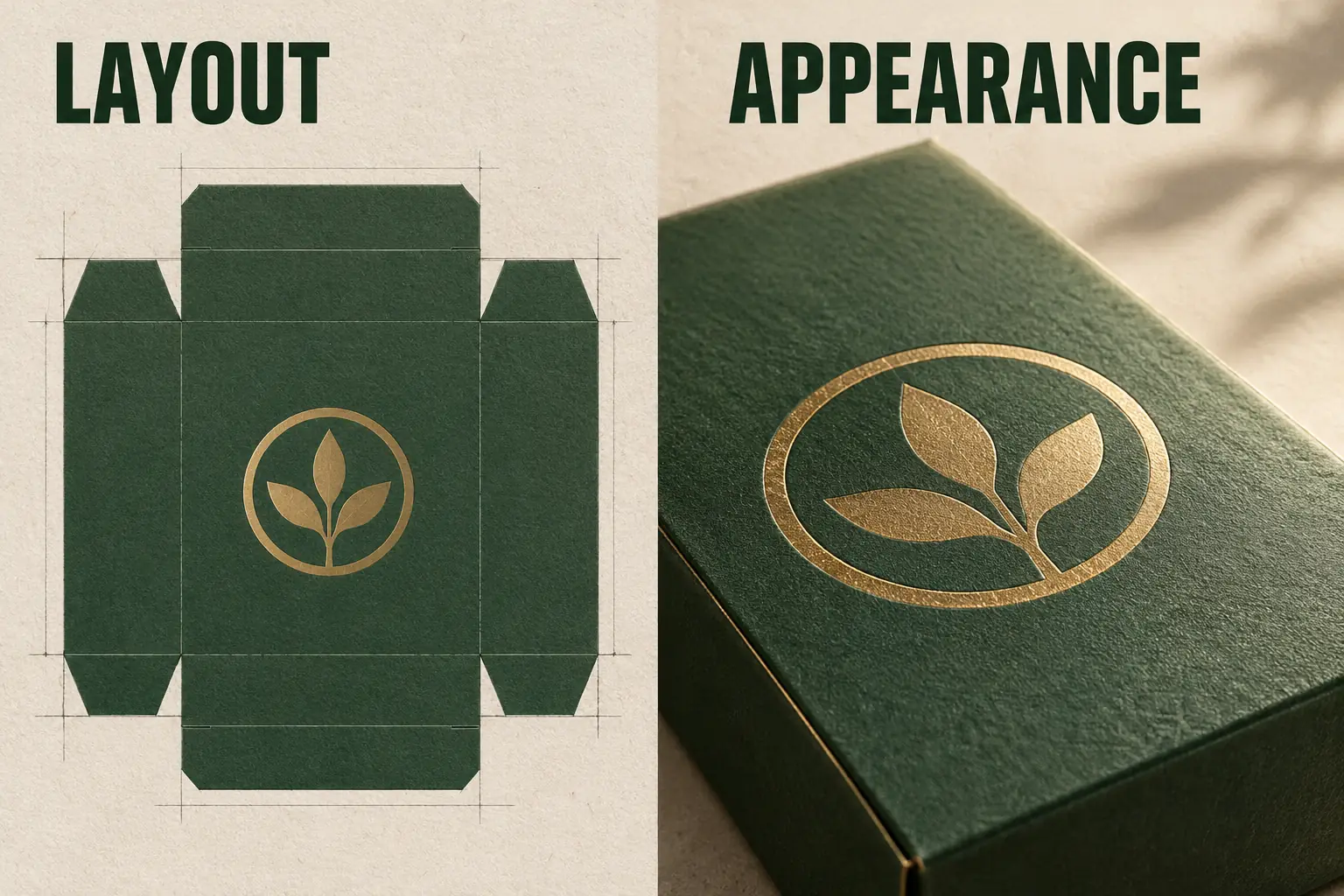
Request spot-color names, mask or layer requirements, overprint treatment and output format for the proposed process. A convention from another printer shouldn't silently become the instruction here. Check the actual exported file against the response, not just the editable artwork on screen.
Adobe's packaging guidance also distinguishes the collected document, fonts, linked graphics and report. Keep the editable package and production output roles explicit. A packaged folder can organize the assets while leaving technical acceptance and physical appearance unresolved.
Where several surfaces need matching, name each surface in the appearance decision. A front-panel approval doesn't automatically settle the inside lid or a separately supplied sleeve. Keep their material and reference identities visible, especially when different suppliers or production steps are involved. A coordinated visual intention still needs a clear record of the actual surfaces reviewed.
Retain the evidence needed for a later revision
Save the drawing, artwork, material description, process response, appearance reference and proof identity together. Record the scope and reviewer of each decision. An approval called final should still identify what was actually reviewed.
The artwork handoff checklist connects these finish details to the wider file and copy review. Use that relationship when the structure or text changes, rather than assuming a retained finish name preserves every earlier decision.
For a repeat request, ask the supplier to confirm the current inputs and any substitutions. Keep changed fields visible before relying on an earlier sample. The purpose of the record is to make the next instruction traceable, not to promise identical output from an unreviewed configuration.
Send the marked panel, current artwork and open proof questions through a print-finish inquiry.