
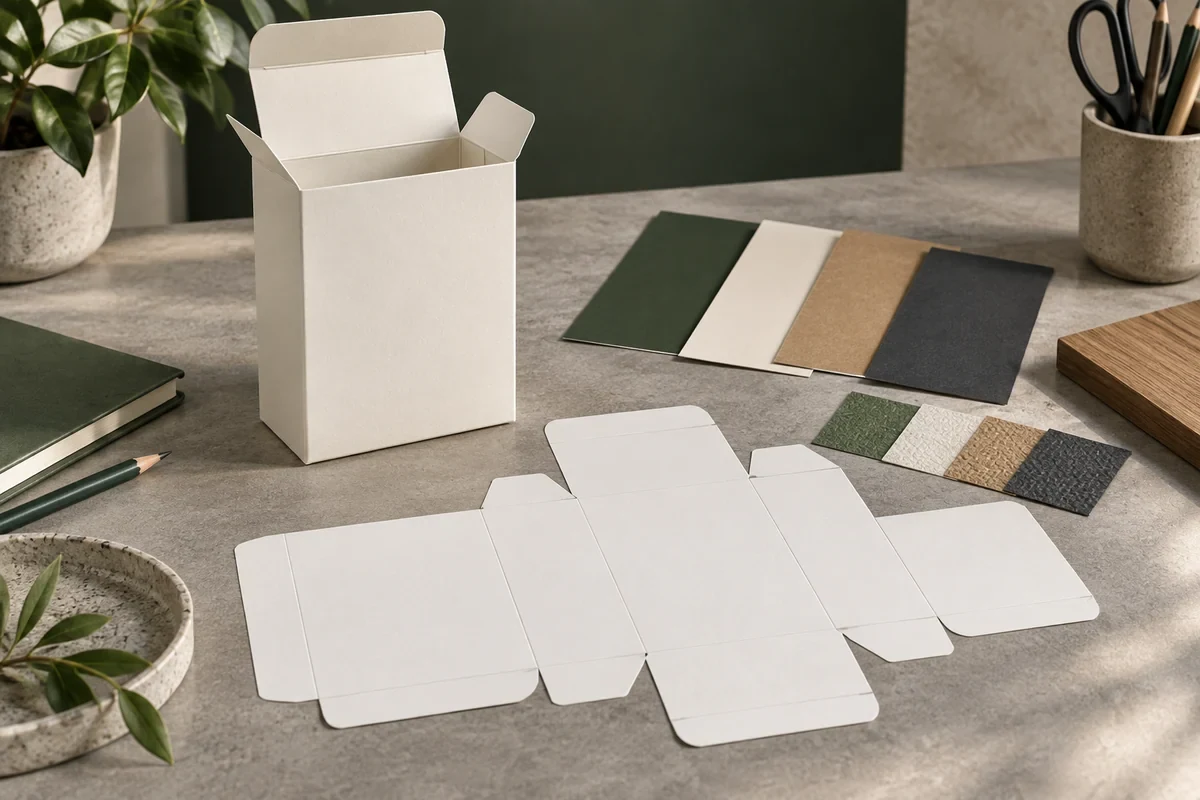
A packaging artwork approval checklist should connect the current structural drawing, artwork revision, finish instructions and proof scope before printer handoff. Ask the selected printer for its delivery requirements first. Approve a named version for a stated decision, leaving physical effects and other unreviewed questions visible.
A visual mockup communicates intent. A production file must also identify what prints, where it belongs and how separate effects are instructed. One attractive composite cannot establish all those relationships.
Build a linked packaging artwork approval checklist
Start with one current dieline reference and the packaging configuration it describes. Record which component and panels it covers. Keep cut, crease and glue information identifiable rather than merging it into decorative artwork.
Place text, logos and images against that drawing. Confirm panel orientation and the selected printer’s safe-area and output requirements. An earlier artwork layout cannot remain accepted automatically when the box size, fold or closure changes.
List finish elements separately using the printer’s required method. Foil, embossing or a local coating needs an identifiable area and an agreed process proposal; a gold-colored object in the design does not itself establish a foil operation.
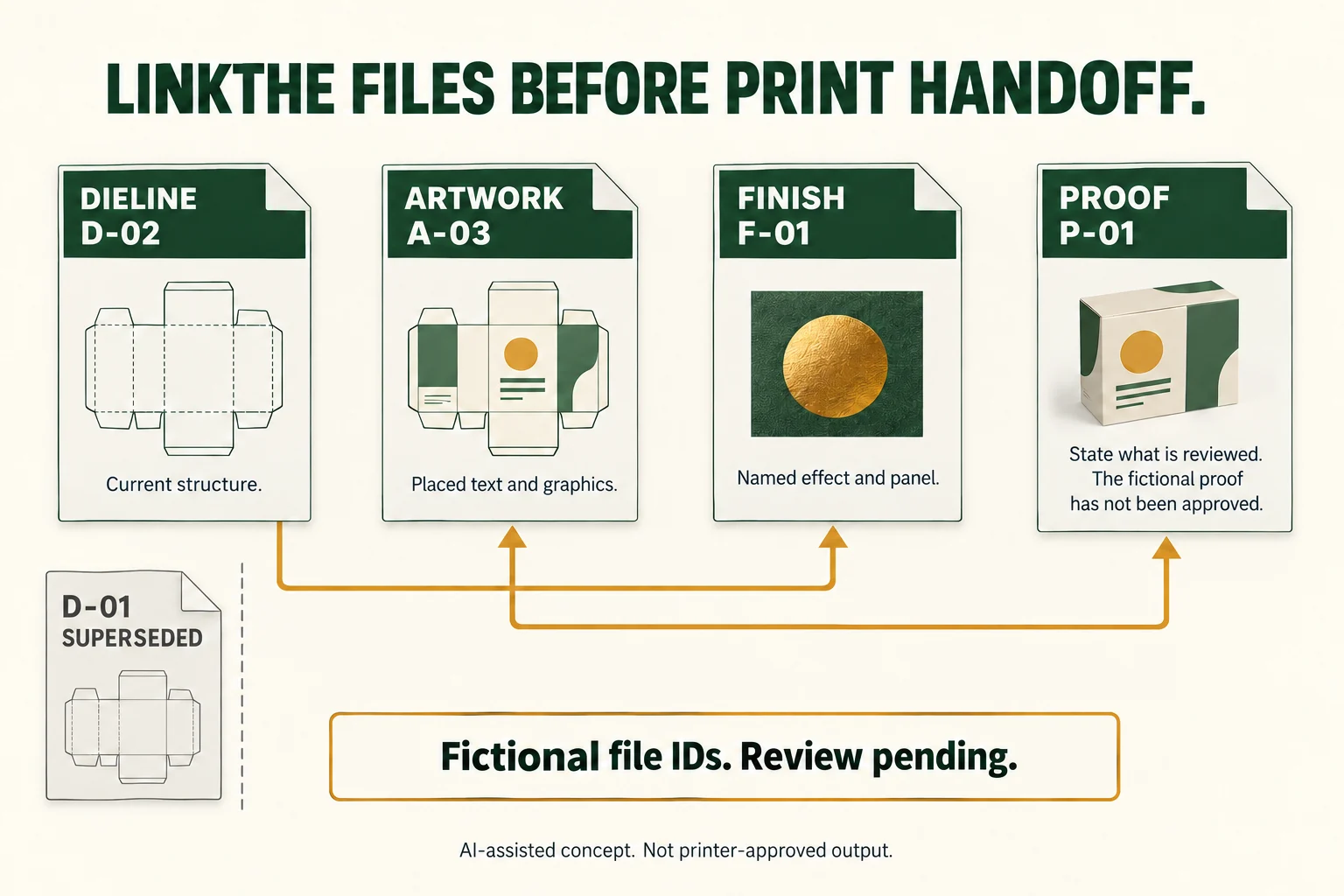
The fictional D-02, A-03, F-01 and P-01 IDs demonstrate a linked set. The graphic is not a usable dieline or a printer-approved file. D-01 is kept as superseded history, outside the current review set.
Check the files and assets before export
Scroll horizontally if columns extend beyond the view.
| Handoff item | Record | Resolve before release |
|---|---|---|
| Structure | Current drawing, component and revision | Any dimension, fold or panel mismatch |
| Artwork | Native file, placed content and print-side references | Missing assets, copy or orientation questions |
| Finishes | Named effects, panels and separate instructions | Printer’s required channels, masks or file method |
| Output | Printer specification and exported candidate ID | Actual delivery profile and findings |
| Approval | Proof ID, reviewer and accepted scope | Untested physical or configuration decisions |
Ask the artwork owner to identify linked images, fonts and their delivery state. A folder containing a filename does not prove that every linked asset is current or available. Retain an editable master while assigning who produces the actual delivery output.
The print-file manifest guide expands those file roles. Check a resulting PDF against the printer’s actual requirements; a generic clean report does not prove all package dimensions or supplied copy are correct.
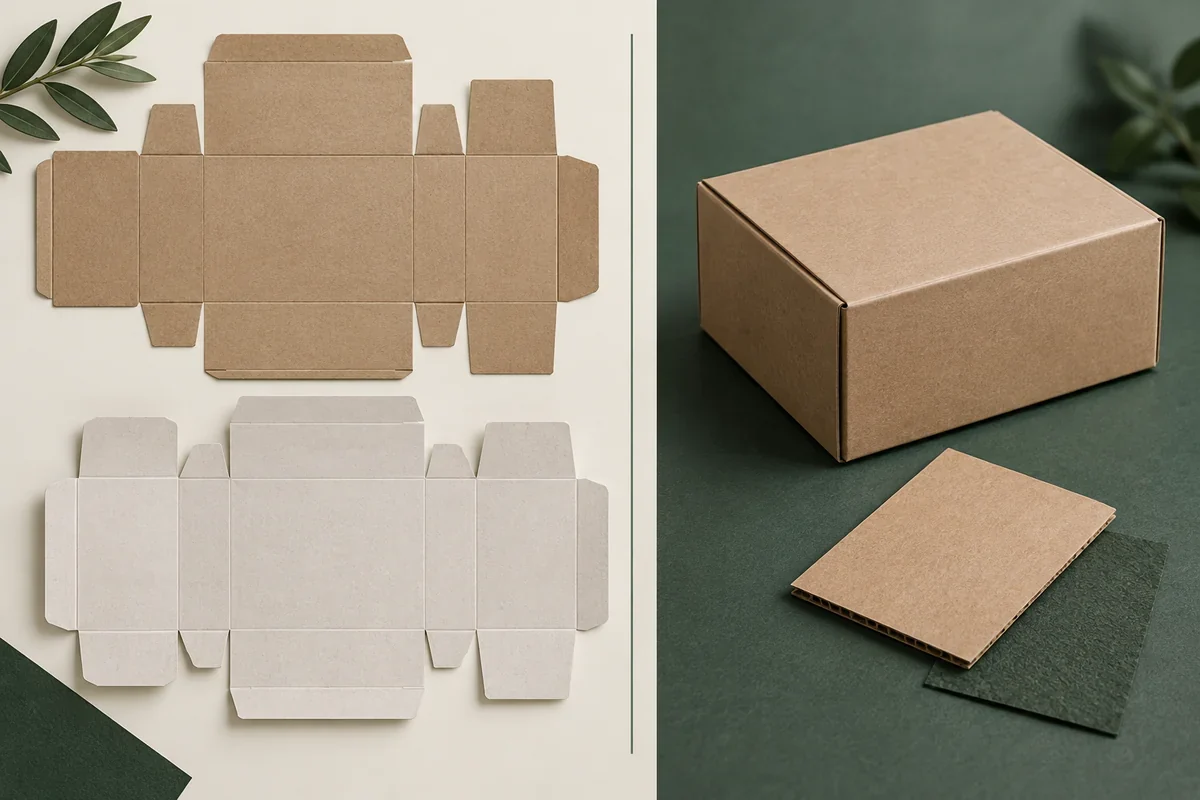
Match the proof to the decision it can answer
Read the actual-size layout for copy, orientation and placement. Where color or finish matters, identify what the proposed proof represents: a screen composite, a particular printed stock or a finished physical treatment.
A foil swatch can inform a surface appearance choice without proving logo registration on a formed box. A complete loaded sample can reveal fit and access while leaving the printed color unresolved. Keep each decision tied to the evidence that actually addresses it.
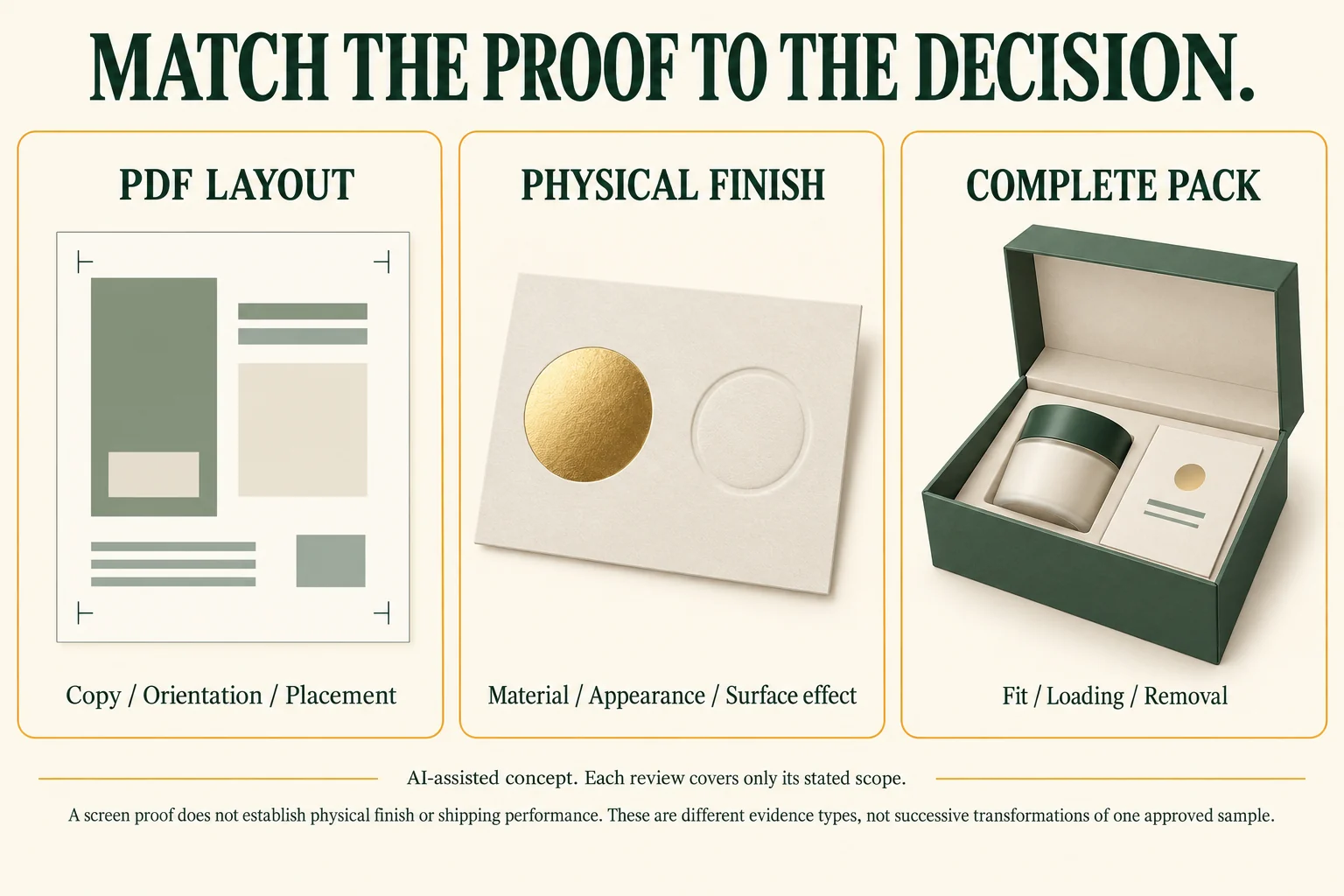
The three panels compare evidence types, not successive transformations of one approved sample. Even a complete pack-out review does not establish shipping performance.
Adobe’s separation guidance distinguishes output separations and explains the limits of on-screen preview. Use it to ask informed questions; the selected printer must confirm the actual workflow rather than inherit a universal setup from this checklist.
A fictional handoff with one unresolved finish
Assume the buyer has current drawing D-02, artwork A-03, finish instruction F-01 and proposed proof P-01. These are fictional record IDs, not real files or approvals. An older D-01 copy remains in the project folder but is marked superseded.
The working register says: A-03 places the front logo against D-02; F-01 identifies a proposed decorative mark on that front panel. P-01 is requested for layout review. The finish route, material appearance and representative physical proof remain open.
A useful handoff question reads: “Please confirm the delivery setup for A-03 and F-01 against D-02. Identify which proof covers panel placement and which physical evidence is needed for the proposed finish. Keep finish acceptance open until that evidence is reviewed.”
This is more precise than naming every attachment “final.” If a later D-03 changes the lid, retain the previous record and reopen the affected artwork and finish locations. The finish specification checklist helps prepare those location-specific questions.
Send a file manifest and a bounded review request
Download the artwork handoff worksheet (CSV). Its field definitions distinguish file identity, linked drawing, output role and approval scope. The fictional example remains review pending; blank project rows are ready for your actual references.
Prepare the current drawing, artwork and finish IDs, supplied copy owner, asset state, printer specification and exact proof question. Include one change note for every revision, with superseded files clearly identified.
Before sending the final candidate, compare its actual exported content with the linked source set. The packaging PDF preflight guide helps separate software findings from decisions the buyer and printer still own.
Bring the missing setup or proof question to a packaging artwork inquiry. Packrivo coordinates the project and supplier questions; it does not certify a print file through coordination.
Questions about artwork approval
Can every printer use the same production file?
Confirm each selected printer’s requirements. Dielines, separations and output workflows can differ even when the visual design is unchanged.
Does a PDF prove foil or embossing appearance?
It can communicate intended placement. Physical reflectivity, relief and material response require representative evidence.
Who should approve the final revision?
Name the responsible reviewer for each scope. Record the actual file, proof and decision so a layout approval is not mistaken for acceptance of everything.
What changes when the dieline changes?
Review affected text, image and finish locations against the new drawing. Keep unchanged valid decisions while reopening the relationships that moved.
Key takeaways
- Link the drawing, artwork, finish instructions and proof.
- Inspect the output the printer will receive.
- Approve only the named version and scope actually reviewed.
Source and scope: Adobe’s public Illustrator separation guidance was checked 16 October 2026. It supports output and preview distinctions, not a universal packaging file specification. The register, diagrams and fictional IDs are original teaching aids; no production file or physical finish was approved.