
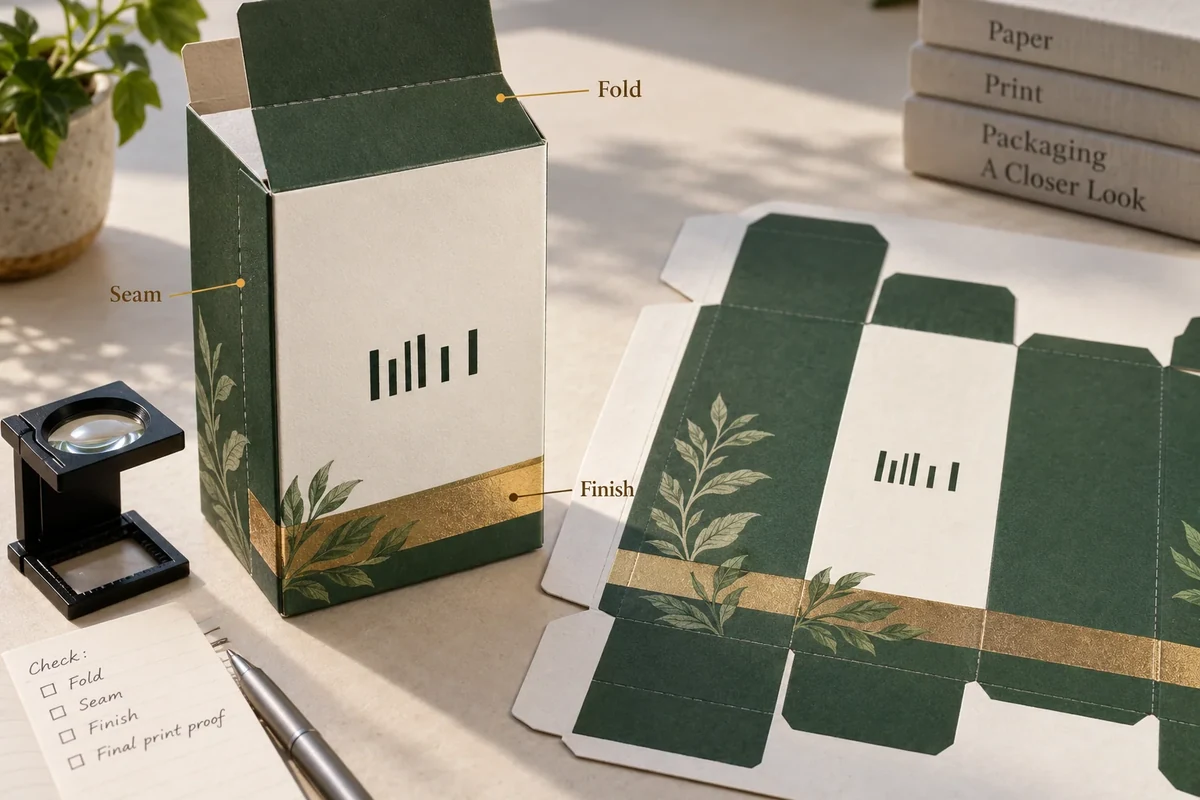
AI-assisted concept cover. Open the cover at full size.
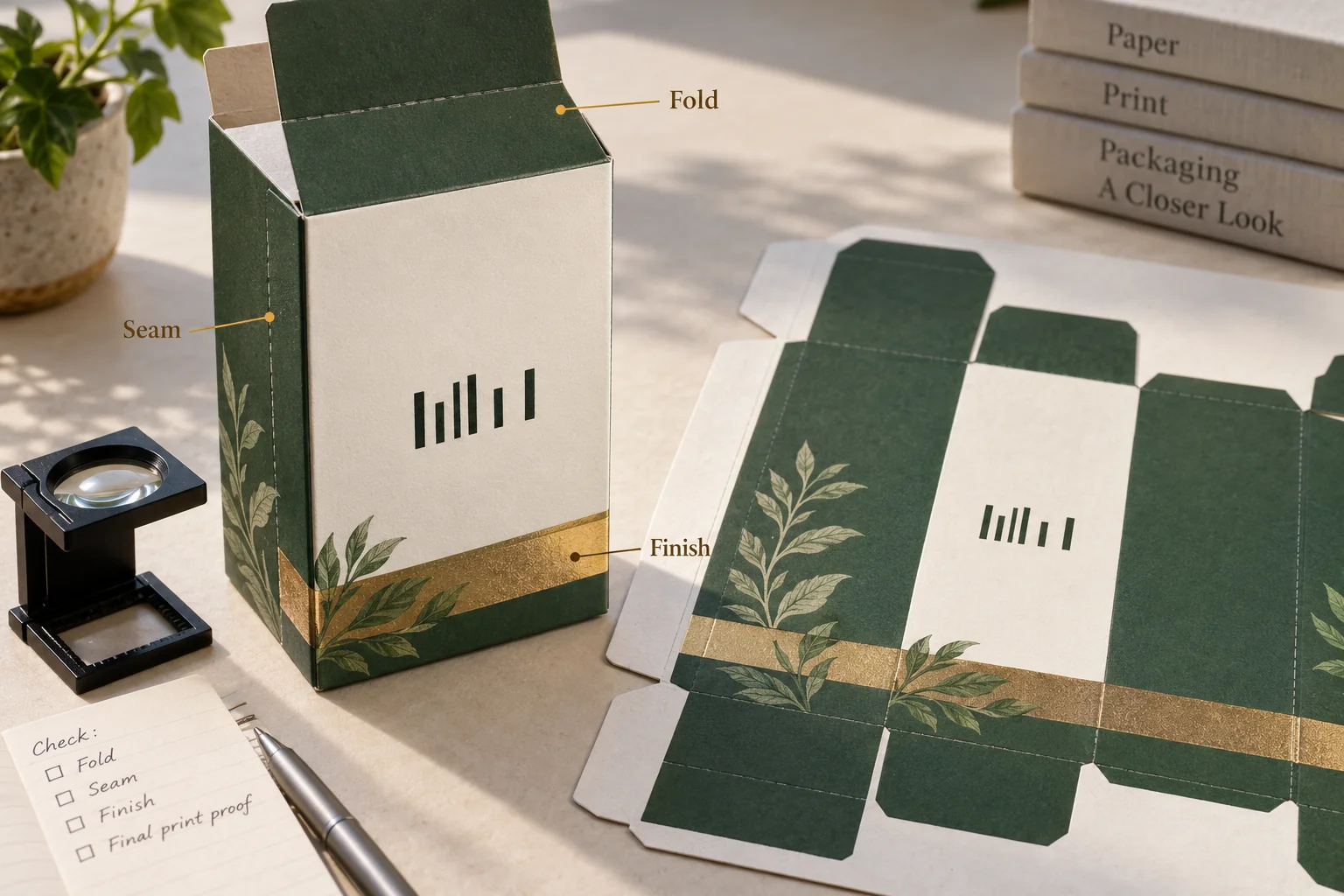
Review a retail barcode as part of the intended printed and assembled package, with its data, symbol type, size, Quiet Zones and placement identified. Check the proof against the current applicable GS1 requirements and request suitable verification evidence. Keep that review separate from artwork appearance and from a successful read on one phone or scanner.
A barcode area can remain visible in a flat design while a fold, seam, coating or sleeve changes its finished presentation. The release decision should connect the selected barcode artwork to the actual package construction and the retail scanning task it is intended to serve.
Identify the symbol and the item it represents
Ask the brand's identifier owner to confirm the encoded data and the item record that the barcode represents. Keep that approval with the named artwork revision. Packaging designers and printers should work from the approved data rather than infer an identifier from an example image.
Record the symbol type and intended scanning environment. A retail consumer pack and an outer logistics unit may use different requirements. Ask the responsible parties to identify the current rules that apply to this symbol and application before specifying dimensions or placement.
Use the unversioned GS1 General Specifications reference when locating the applicable official material. Record the edition and relevant requirement with the project's review, rather than relying on an old bookmarked numeric rule. This buyer record supplies questions; it does not prescribe universal barcode dimensions.
Keep human-readable data and encoded data in the review. Ask the identifier owner and verification provider how each will be checked. A visually tidy number beneath the symbol is not by itself evidence that the encoded content matches the intended item.
Name which package level holds the barcode. If it is on a sleeve, state the sleeve version and how it is positioned on the box. A proof for that sleeve needs to be reviewed in its finished relationship to the other components.
Protect the symbol area in the layout
Mark the proposed barcode area on the current dieline. Show nearby folds, seams, cut edges, graphics and finish areas. Ask the printer and artwork owner to confirm the required Quiet Zones for the identified symbol, including how those margins will remain clear after converting and assembly.
Quiet Zones are the unprinted clear margins required for the chosen barcode symbol. GS1's common barcode quality checks cover Quiet Zones, contrast, size and position, alongside packaging interference. Use those categories to direct the review without copying numeric limits for a different symbol or application.
Check the printing and finishing scope together. Identify the substrate, printed side and any proposed coating, foil or other treatment near the symbol. Ask the responsible provider which process conditions need to be reflected in the candidate used for verification.
Review the barcode in the assembled orientation as well as the flat proof. A flap can cover it, a seam can interrupt its area, or a label can place it on a curved surface. Photograph the finished position and keep the selected package version with that image.
The artwork handoff checklist helps preserve the file identity. The dieline change record identifies which placement decisions must reopen if a structural panel changes.
Request evidence that matches the release decision
A visual proof can help locate the symbol, confirm copy and show surrounding artwork. A candidate using the intended print process and finished construction answers a different quality question. Record what each piece of evidence represents before accepting it for the next step.
Use the official GS1 barcode verification guidelines when discussing an appropriate verification service. Ask for the sample reference, evaluated symbol and the evidence needed for this application. A successful read on a particular device is a narrower observation than verification of barcode quality and data.
Keep the verification provider's result with the exact candidate it examined. State which material, artwork and finish versions were included. If a later print or conversion change affects the symbol area, ask whether the earlier evidence remains applicable instead of carrying forward the result automatically.
This original release worksheet connects each review field to its owner and evidence. Complete it using the applicable requirements and the project's actual candidate.
| Field | Responsible party to identify | Evidence to retain |
|---|---|---|
| Encoded item data | Brand identifier owner | Approved item and data reference |
| Symbol and application | Identifier owner and relevant provider | Applicable GS1 requirement reference |
| Layout and Quiet Zones | Artwork owner and printer | Current proof and dieline version |
| Finished position | Packing or construction owner | Assembled-package reference |
| Print quality review | Appropriate verification provider | Candidate identity and returned result |
| Release decision | Named approval owner | Accepted scope and unresolved actions |
Close changes before releasing the artwork
For a hypothetical gift sleeve, the first layout might place the symbol near a fold. The artwork owner proposes moving it to another panel and reserves the appropriate Quiet Zones. The next proof and assembled candidate should show that selected position, with suitable evidence requested for its printing conditions.
This example illustrates a review path, not a valid barcode, verification result or retailer acceptance. An editorial image containing irregular bars can explain placement relationships while leaving every real symbol and measurement decision to the identified project references.
Before release, confirm that the layout, candidate and identifier approvals describe the same version. Mark any remaining verification or finished-position question as open. An approval for general artwork appearance should not silently close the barcode's separate review.
Use Packrivo's packaging inquiry to organize the current artwork, intended package and unresolved barcode questions. Keep the identifier data under the brand's control and ask for the evidence appropriate to the finished printed package before its barcode scope is accepted.
Keep the located proof separate from printed verification
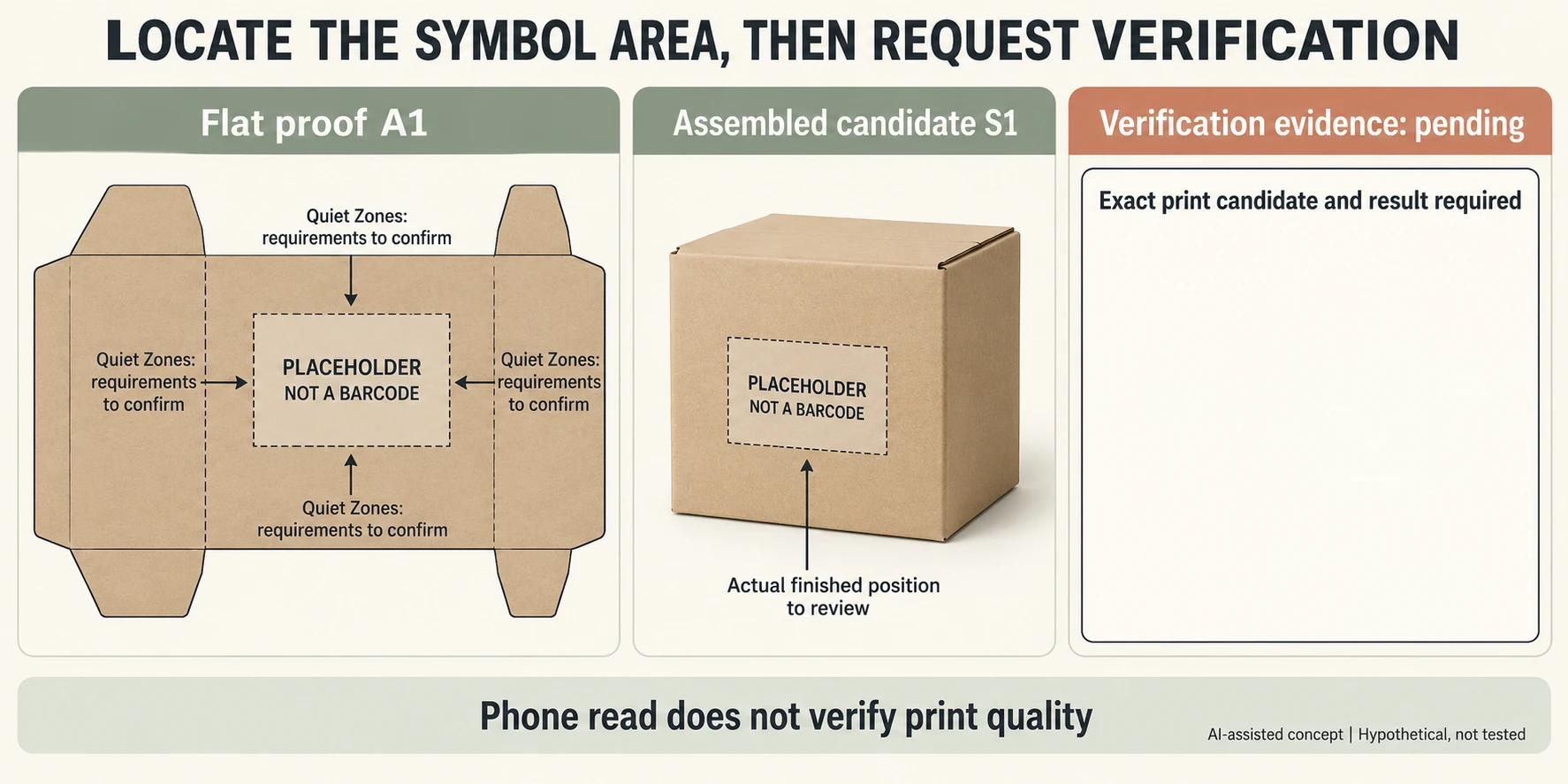
Invented proof A1 reserves a symbol area, assembled candidate S1 needs a finished-position review, and verification evidence remains pending. The illustration deliberately contains the words PLACEHOLDER / NOT A BARCODE rather than an encoded symbol. No identifier, symbol type, grade or retail acceptance is supplied.
Scroll horizontally if columns extend beyond the view.
| Record | Can describe | Does not close |
|---|---|---|
| A1 flat proof | Proposed panel and reservation | Applicable symbol/Quiet Zone requirements |
| S1 assembled candidate | Finished seam/fold relationship | Printed quality or correct data |
| Verification record | Exact evaluated candidate and result | Other material or artwork revisions |
| Release | Required decisions linked | Open fields remain pending |
Ask the brand's identifier owner and appropriate provider to identify the actual symbol, application and current requirements. The drawing's blank reservation is not a Quiet Zone specification; required margins depend on the chosen symbol and use. The shown fold is a locator rather than a production dieline.
Keep actual printed sample identity, material/finish revisions, method and returned verification result together. A casual phone read cannot replace that evidence, and a visually clear panel cannot confirm encoded data. The CSV has no invented barcode value or pass grade. A1, S1 and the verification row stay separate until the responsible parties provide their actual decisions.
Download the retail barcode packaging print proof record (.csv). HYPOTHETICAL rows are invented examples. Use ACTUAL_BLANK for permitted project inputs; replace that row label only when recording actual facts. Empty evidence, observation and date fields mean unknown or not performed, never acceptance. Keep checkpoints and revisions separate.
Send exact artwork and finished configuration references, then request the application-specific data, margin and verification evidence. Packrivo coordinates independent suppliers. These records establish no supplier offer, service availability or MOQ exception; its published baseline is 500 pieces per product/design.