
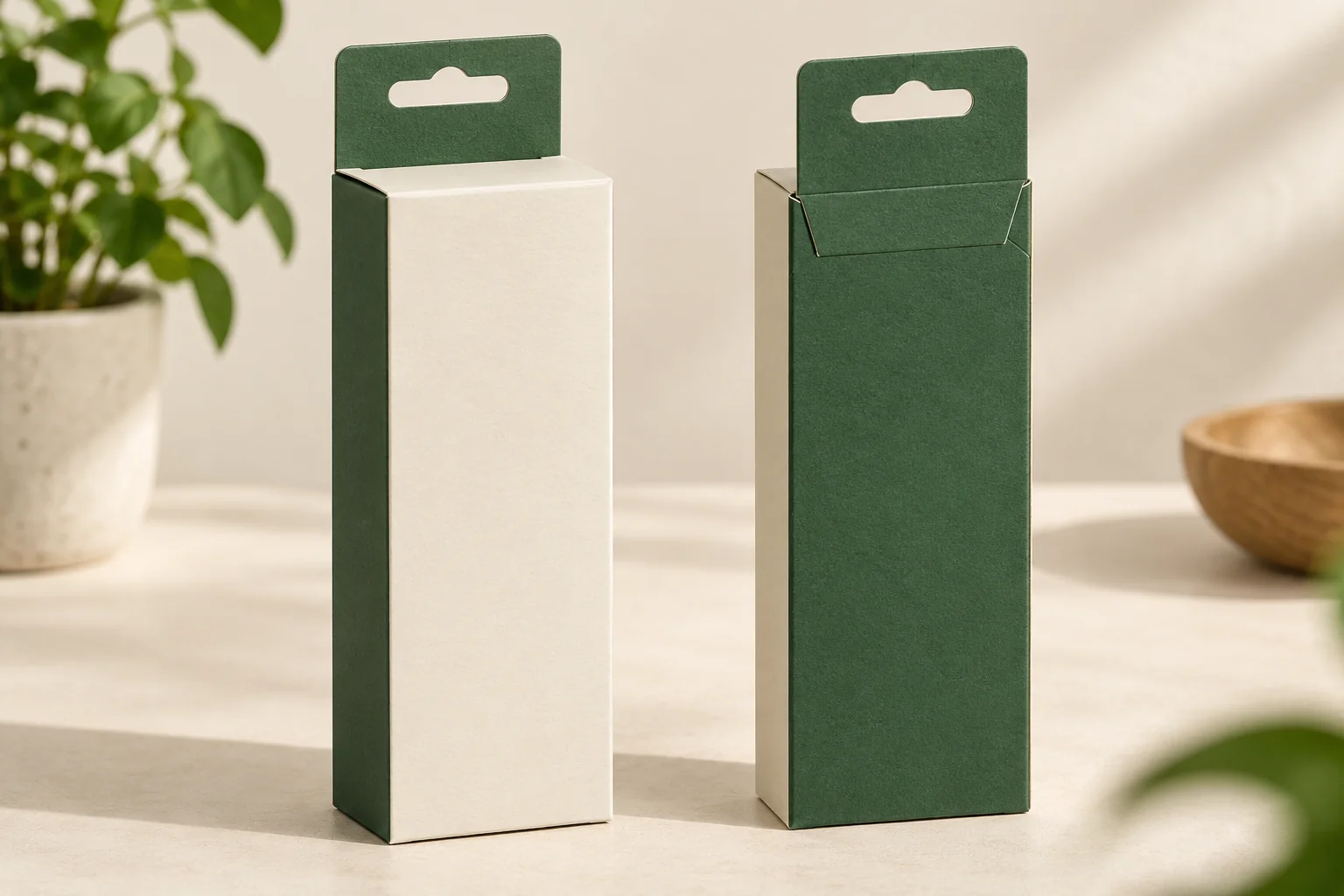
Concept / packaging option. AI-assisted visuals explain the structure; final materials, production details and sample scope are agreed for the project.
Describe the fixture before the tab
Record the retailer’s hook or fixture details and the space around the display. A generic hanging hole does not define its shape, position or clearance. Show where the loaded carton should sit, which face the customer sees and how the carton is taken off the fixture.
Ask whether the proposed hanging feature is part of the paperboard blank or a separately attached component. That changes the material list, assembly work and review of the attachment. Identify any fold between the display panel and the box body so the intended hanging position is clear in the drawing.
Keep the hanging location related to the complete product layout. Jewelry cards, pouches or other holders may put the contents to one side. Record the loaded weight and orientation rather than assuming the front artwork and the actual displayed position will align.
Keep retail access separate from loading
The box still needs a defined loading and opening route. An operator may load through one end while a customer opens another. A hanging panel near that opening could affect either action. Show the top or end closure and the tab on the same proposed construction.
Compare a tuck-end carton when a shelf position is sufficient. The hanging option adds a fixture and display review to that task. For an accessory displayed openly on a card, a different mounting arrangement may be useful; a carton is a separate choice about enclosure and information space.
Prepare the display specification
| Input | What the supplier needs |
|---|---|
| Fixture | Hook or fixture geometry, available space and removal movement. |
| Hanging feature | Integral or attached, position, hole shape and proposed construction. |
| Packed contents | Weight, layout, holder, projections and orientation. |
| Carton access | Loading end, retail opening, closure and remaining assembly. |
| Artwork | Visible faces, fold zones, required copy and barcode position. |
| Project | Design quantities, destination, display conditions and sample scope. |
Use a simple layout drawing to connect the hole, box and product. If the retailer provides a fixture specification, keep its name or revision with the packaging files. The artwork handoff checklist helps retain that relationship as the panels and print files are prepared.
Review the loaded display and customer action
- Assemble and load the proposed carton with every included component.
- Place it on the intended fixture and inspect its resting position.
- Check hole access, tab folds and any attachment interface.
- Read the visible information from the expected customer view.
- Remove the pack, open it and take out the product.
- Record the agreed display review and any change required.
For an illustrative earrings-and-pouch pack, the hanger position and the card layout could both affect how it rests. If the pack tilts, the next discussion should identify the layout or hanging interface to review. Increasing a hole or changing the tab alone might not address the complete arrangement.
Plan one reviewable retail pack
Packrivo’s order planning policy is 500 pieces per product / design. Identify the carton, hanging component if separate, holder and sampling work in the proposal. Material, production conditions, pricing and delivery timing are confirmed for the project.
The original hanging and locking-tab reference illustrates a carton with a hanging feature. It supports the construction question, without establishing a load rating for this option.
Get a Quote with the fixture and packed-product details. Packrivo helps organize the hanging, opening and file questions before the display sample is reviewed.