Planning diagram
Packaging Dieline Change Control and Approval Impact
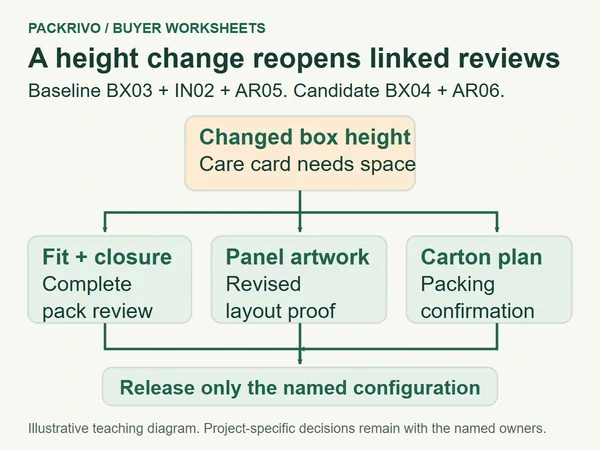
Control packaging dieline changes with linked drawing and artwork versions. Reopen affected fit, layout and carton checks before a named release.
Read the article
Practical notes about formats, samples, materials, print and supplier-ready briefs for small jewelry, candle and gift brands.
Concept renders illustrate packaging decisions; they are not physical samples or completed customer projects.
Search by question or choose a topic.
Articles may appear in more than one topic.
103 articles · Showing 97–103 · Page 5 of 5
Planning diagram
Control packaging dieline changes with linked drawing and artwork versions. Reopen affected fit, layout and carton checks before a named release.
Read the article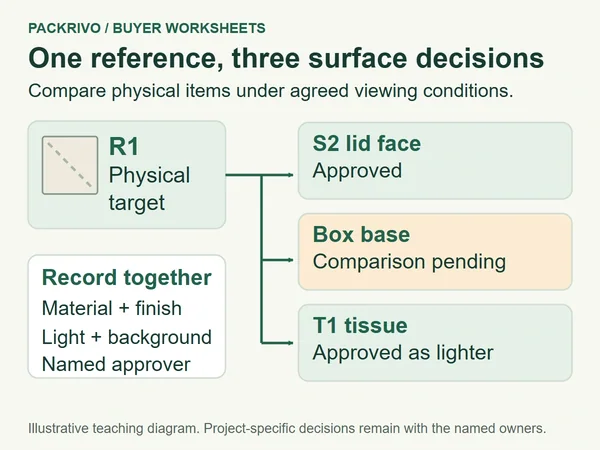
Planning diagram
Approve packaging color by physical reference, material and surface. Record lid, base and tissue decisions without approving the whole set at once.
Read the article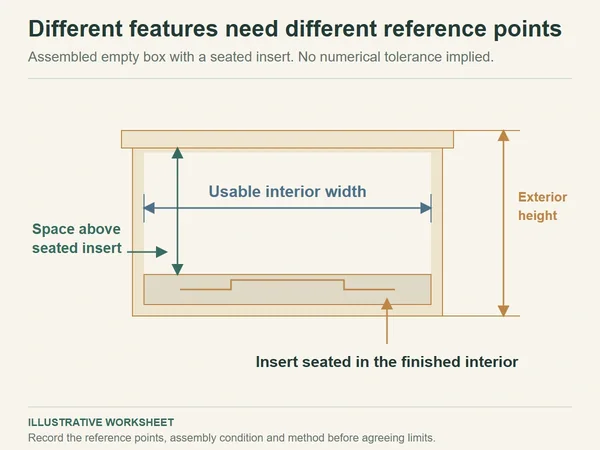
Planning diagram
Define packaging dimensions by reference faces, assembly condition and method. Keep measured readings separate from unagreed acceptance limits.
Read the article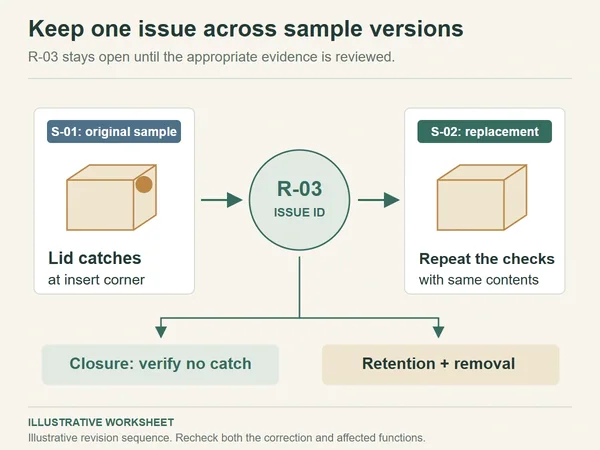
Concept render
Compare packaging sample revisions against the same contents. Track corrected contact, open retention checks and evidence in a revision worksheet.
Read the article
Concept render
Retrieve the approved specification, artwork and sample records, then list current changes before asking for reconfirmation.
Read the article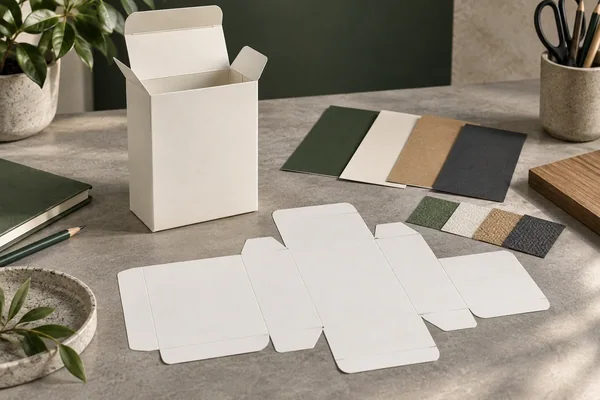
Concept render
Use a packaging artwork approval checklist for the current dieline, linked assets, finish instructions and proof scope before printer handoff.
Read the article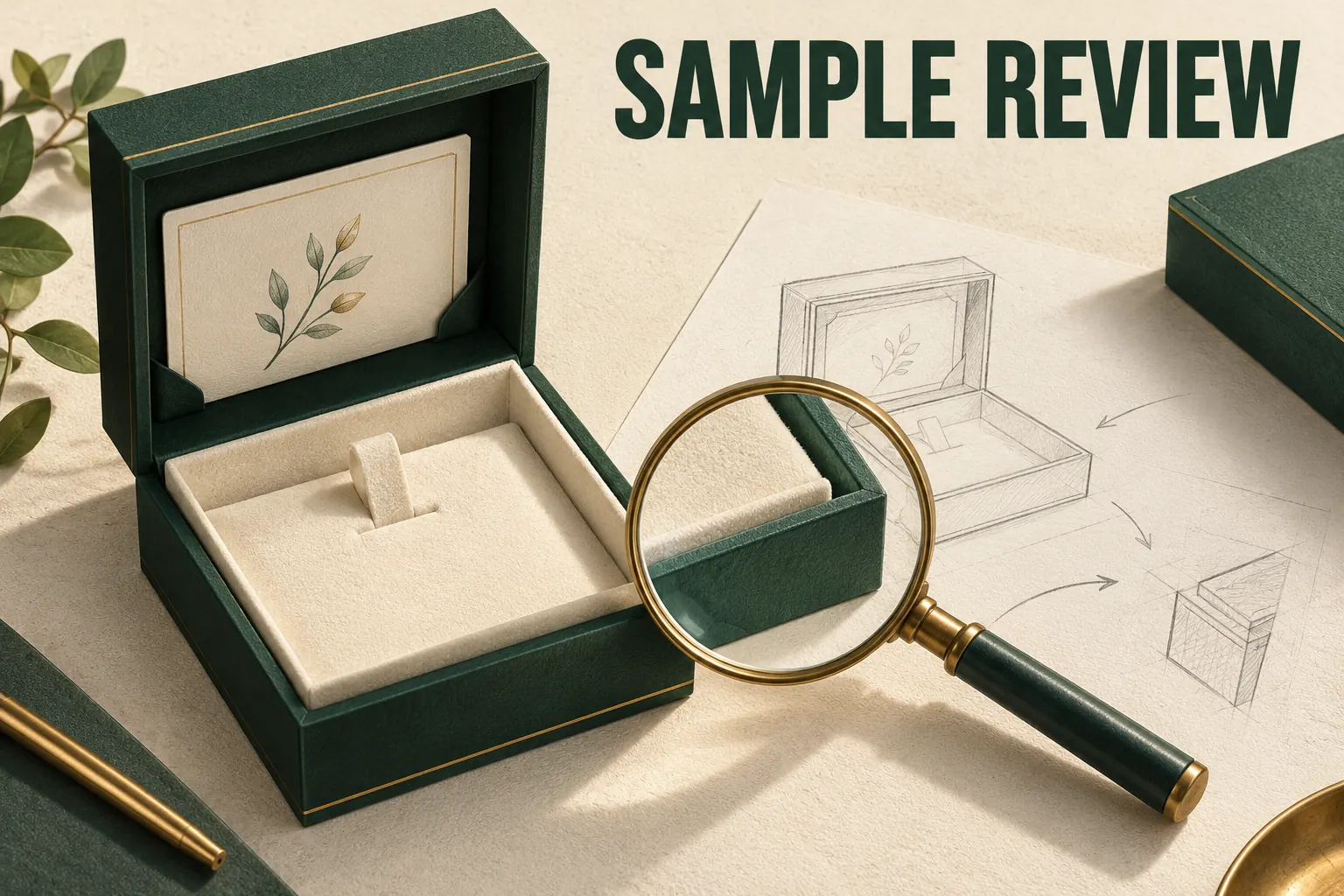
Concept render
Inspect a packaging sample against an identified configuration and a stated requirement. Review the empty structure, add the complete contents, then check appearance and the intended pack-out. Record what was observed, what needs…
Read the articleStill working out the details? Prepare a brief first.