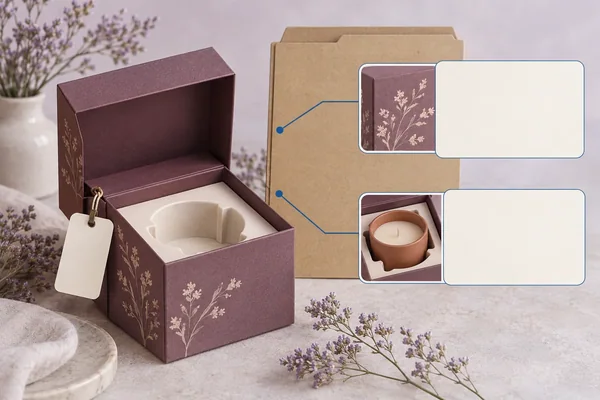
Concept render
Write an Approval Label That Names the Accepted Scope
Keep AP2’s fictional front-placement scope separate from changed-holder fit, final material and whole-set release decisions.
Read the article
Practical notes about formats, samples, materials, print and supplier-ready briefs for small jewelry, candle and gift brands.
Concept renders illustrate packaging decisions; they are not physical samples or completed customer projects.
Search by question or choose a topic.
Articles may appear in more than one topic.
103 articles · Showing 73–96 · Page 4 of 5
Concept render
Keep AP2’s fictional front-placement scope separate from changed-holder fit, final material and whole-set release decisions.
Read the article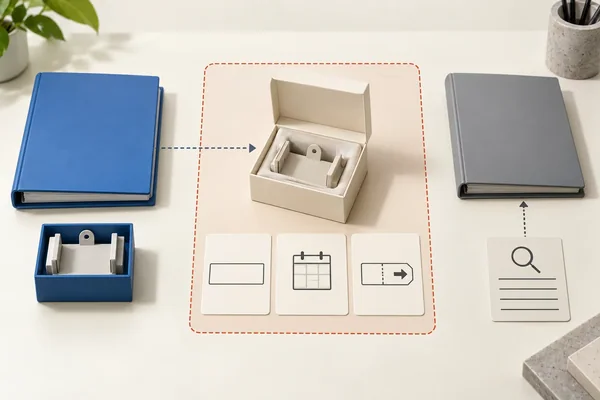
Concept render
Give each proposed trial its own deviation scope, validity and instruction while retaining the unchanged production master and inactive history.
Read the article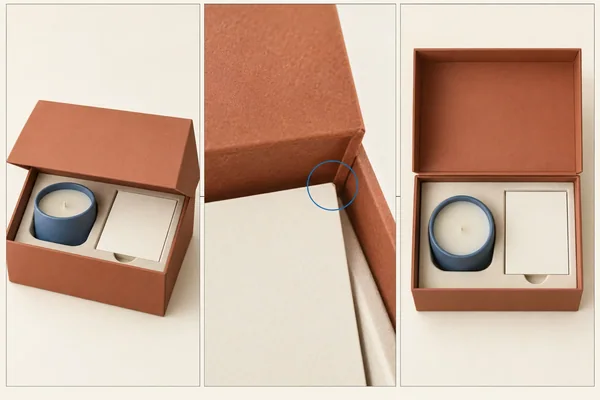
Concept render
Keep contact I1 distinct from interface view I1 while requesting front, interface and loaded views of one named sample configuration.
Read the article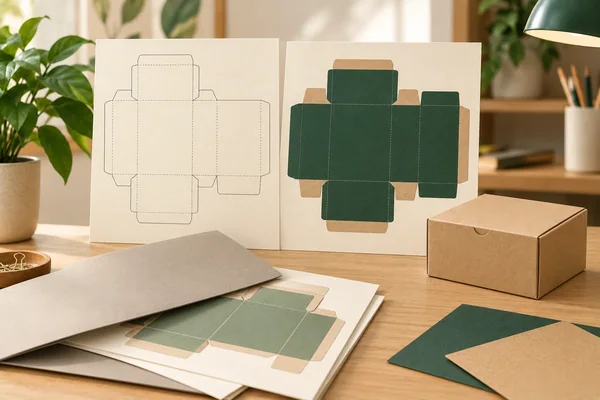
Concept render
Distinguish two received files with the same name, cross-reference their drawing versions and keep renaming separate from appearance and technical approval.
Read the article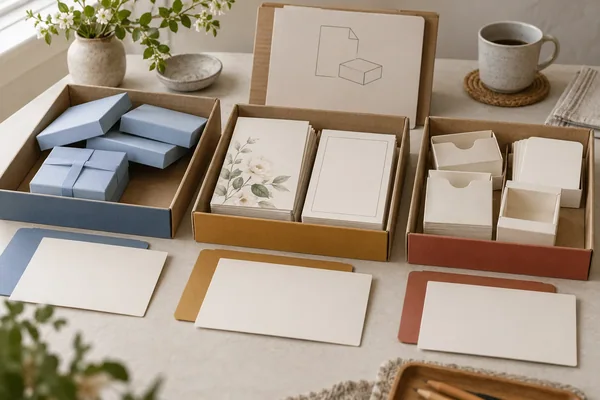
Concept render
Record component version, quantity, condition and storage instructions before deciding whether leftovers remain usable.
Read the article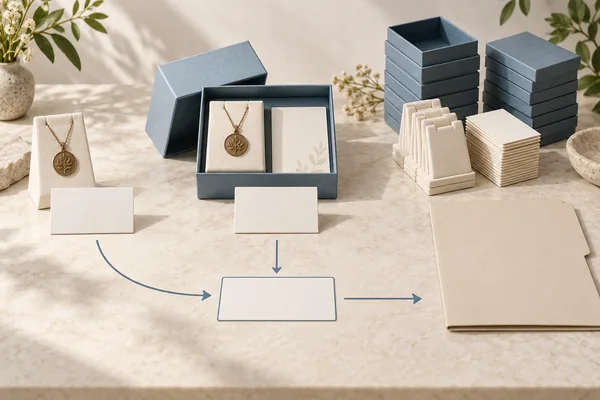
Concept render
Reconcile a hypothetical request for loose holders and complete-set samples while keeping source-confirmed sample quantities and production lines separate.
Read the article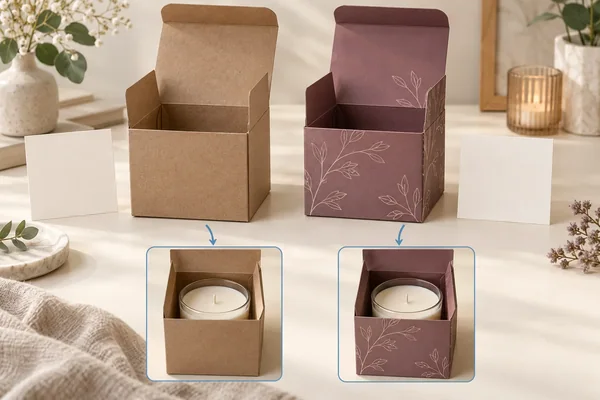
Concept render
Link plain and printed sample proposals to separate loaded-fit and surface questions without treating sample type as evidence or a commercial commitment.
Read the article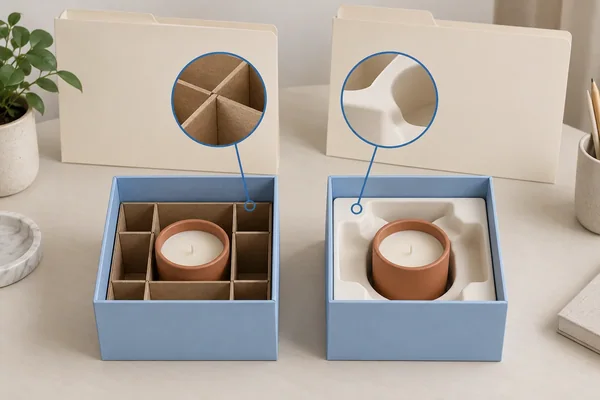
Concept render
Compare the report specimen and method with the complete configuration being ordered, recording every difference.
Read the article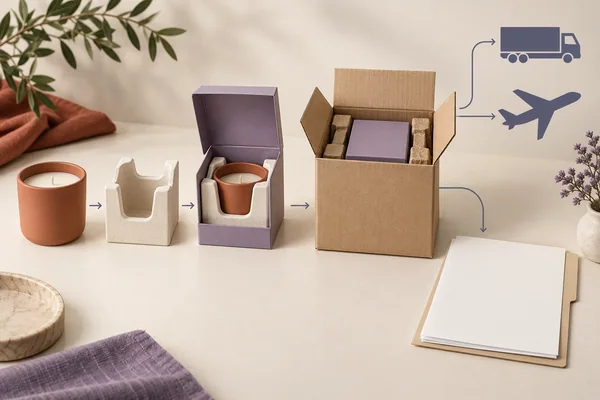
Concept render
Provide the contents, complete packaging, route and evaluation objective before requesting a qualified test proposal.
Read the article
Concept render
Keep material and history references separate when planning sample comparisons, without guessing conditioning targets or reconstructing missing earlier storage.
Read the article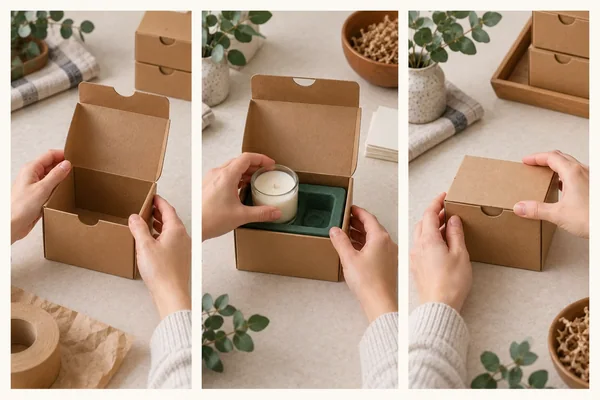
Concept render
Keep a hypothetical120-second gross trial and 30-second retrieval pause visible when defining a 90-second net interval or comparing another start state.
Read the article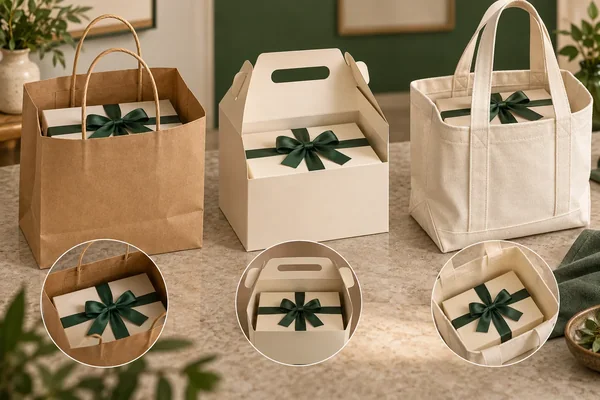
Concept render
Compare bag, gable and tote proposals with fixed gift contents, and identify a bow omission as a new packout rather than equivalent evidence.
Read the article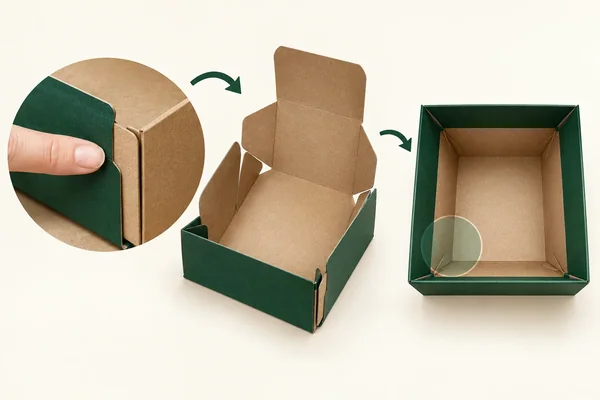
Concept render
Separate delivered joint identity, final empty position and loading authorization while distinguishing instruction clarification from a changed bottom construction.
Read the article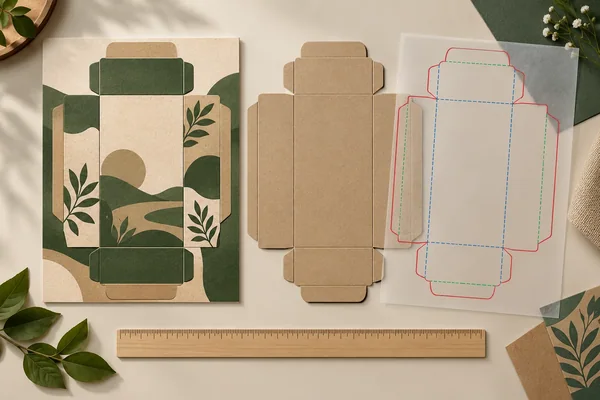
Concept render
Distinguish PDF page trim from the package cut and compare export-only versus artwork-placement corrections with independent scale and formed-view evidence.
Read the article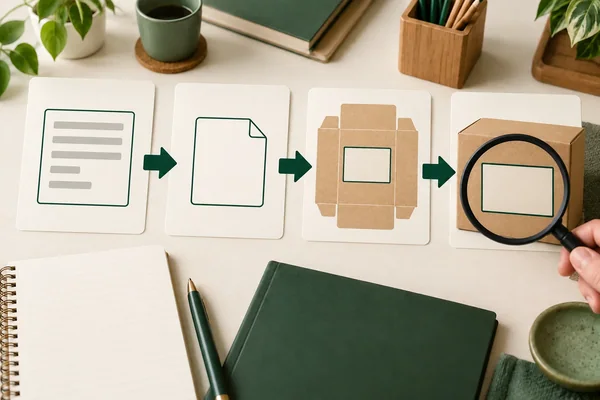
Concept render
Keep barcode source, generated asset and artwork linked to the exact variant and use, with data matching separate from physical print verification.
Read the article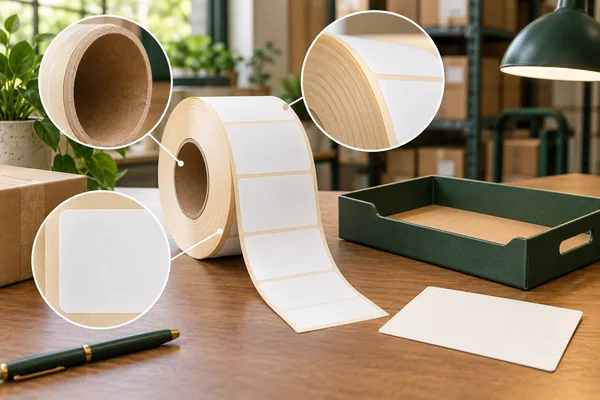
Concept render
Keep received-roll artwork, web and liner identity separate from visible condition and authorized use, without substituting dispensing or bond evidence.
Read the article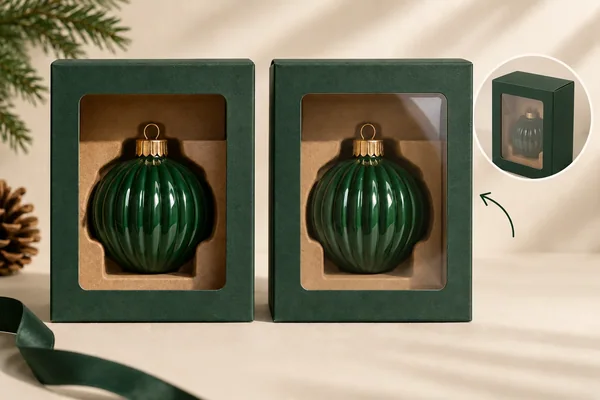
Concept render
Plan matched bare and patched views with the same product and holder, recording unavailable comparisons and separating a holder revision from patch evidence.
Read the article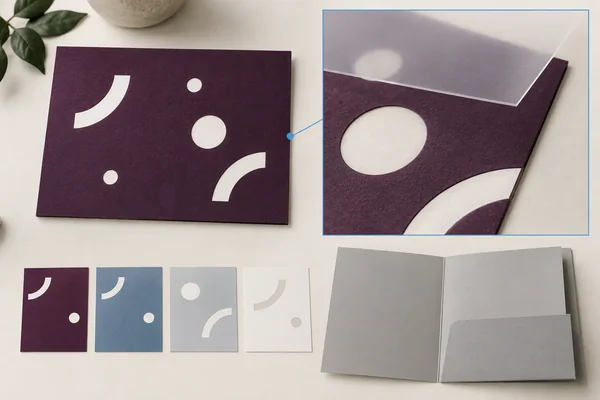
Concept render
Review reversed type as a complete text, background and finish configuration, keeping background-only, finish-only and combined candidates distinct.
Read the article
Concept render
Separate white ink, underprint and unprinted kraft. Use a labeled artwork map to request the right layers, substrate confirmation and proof.
Read the article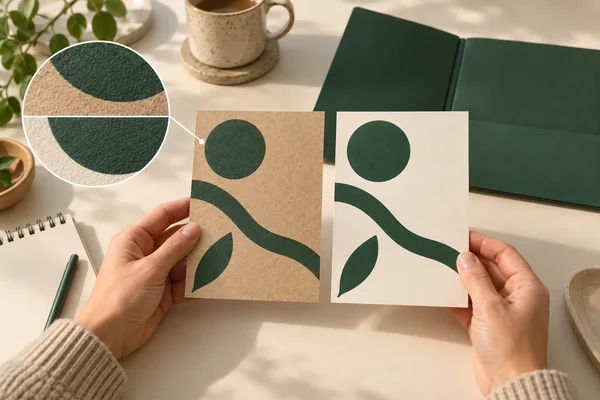
Concept render
Request fine-copy, pale-color and solid-area proof elements on the named paper under consistent viewing conditions.
Read the article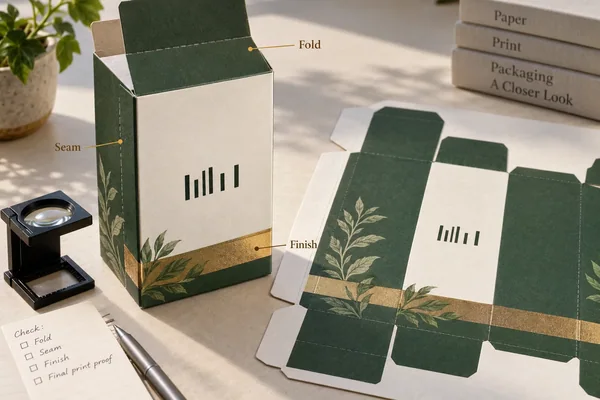
Concept render
Identify the symbol, data, size and quiet zones on the intended finished pack, then request suitable verification evidence.
Read the article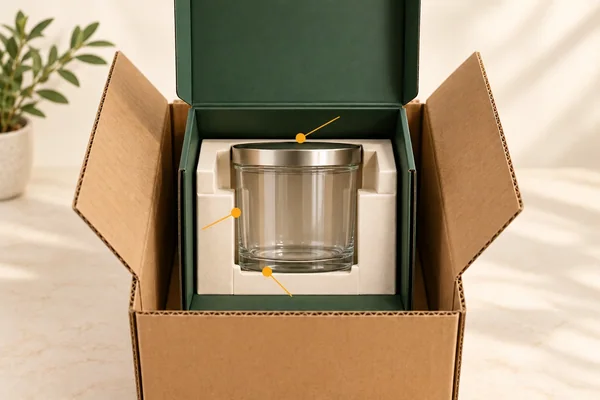
Concept render
List jar, lid, insert, presentation box and outer pack versions, then locate each contact and movement question.
Read the article
Concept render
List each input, owner and accepted output before asking parties to confirm the project sequence and timing.
Read the article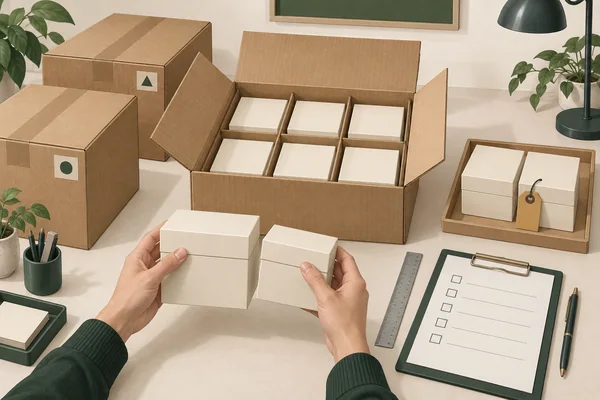
Concept render
Inspect incoming packaging against its agreed configuration and method. Link located unit observations to scoped acceptance, rejection or continued hold.
Read the articleStill working out the details? Prepare a brief first.